How to fix floaty AI pacing by trimming heads and tails and cutting on motion
Generated clips arrive with a slow start and a drifting end. Trim both, cut on movement, and a scene that felt limp starts to move.
You drop five good clips onto a timeline, play them back to back, and the sequence feels like treacle. Every shot is fine on its own. The performance is decent, the framing is clean, and yet the scene has no pulse. You assume the fix is a better generation, so you spend more credits and get five more clips that feel exactly the same.
The problem is almost never the content of the clip. It is the edges. Generated clips tend to ease in, with a few frames of settling before anything happens, and they tend to drift out, with the subject going soft or idling after the action has finished. Stack those edges together and you get a dead beat between every shot. You can fix this in the edit in one sitting, with no regeneration.
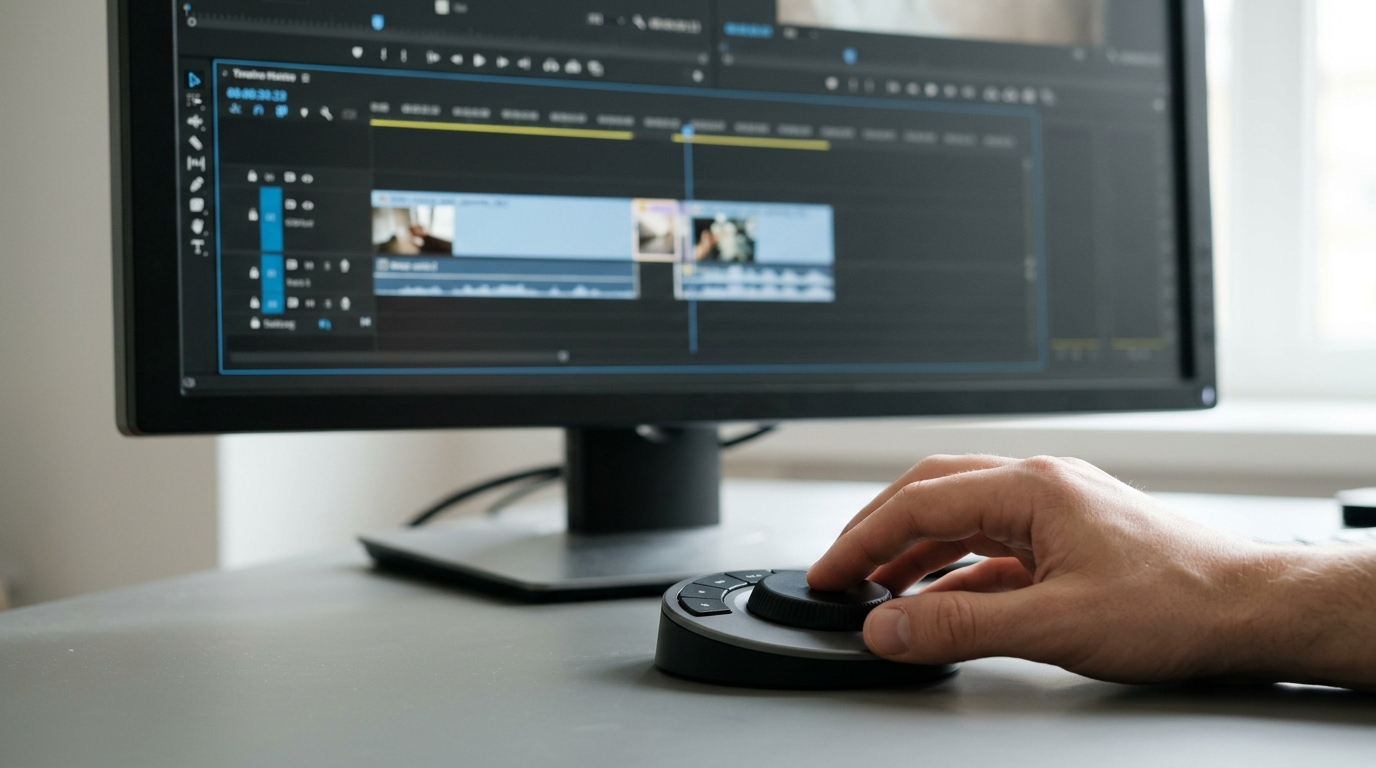
Find the real start and end of each shot
Scrub each clip frame by frame, not at playback speed. You are looking for two points.
- The first frame of intent. This is the first frame where the subject or camera does something on purpose: a head turn begins, a hand reaches, the camera starts to push. Everything before it is settling.
- The last frame of useful information. This is the frame where the action lands or the look completes. Everything after it is drift.
Set your in point on the first frame of intent and your out point on the last useful frame. On a typical five to ten second clip you will often remove a half second to a full second from the head and a similar amount from the tail. Do this to every clip before you judge the pacing of anything.
Cut on motion, not on rest
Once the edges are trimmed, place your cuts in the middle of movement. If shot A ends with a character turning toward the door, shot B should begin with the door already in frame and the turn still completing, or with the hand already on the handle. The viewer's eye follows the motion across the cut and does not register the join.
The practical sequence on your timeline:
```
1. Trim head to first frame of intent
2. Trim tail to last useful frame
3. Place shot B so its first movement starts 2 to 4 frames
before shot A's movement ends (an overlap on action)
4. Play the cut once at full speed, without stopping
5. Slide the cut point 2 frames either way and replay
```
Step five matters. A cut that is two frames early or late reads as a stumble, and you only find the right frame by nudging and replaying.
Vary the length on purpose
Generated clips usually come out at similar durations, which produces a metronome rhythm. After trimming, deliberately shorten some shots and let others breathe. A reaction shot can be 12 frames. A reveal can hold for three seconds. Pick one or two moments per scene to hold long and cut everything around them tighter. The held shot then feels like a decision.
What you should see
Before: five clips, each with a slow ease in and a drifting out, producing a pause between every shot and a scene that feels padded. After: the same five clips, a few seconds shorter in total, with motion carrying the eye across each cut and one or two held shots giving the scene a shape. The footage has not changed. The scene now reads as directed.
Try this next
Take the last scene you assembled and run only the trim pass on it, heads and tails, nothing else. Watch it once and note how much of the sluggishness disappears before you touch a single cut point. Then do the overlap pass on your two weakest transitions.