Topaz Starlight for Web means you can generate at 480p and upscale to 1080p in the browser, and that cuts AI video costs significantly
Topaz Labs has brought its Starlight 2.5 and 2.6 upscalers online with no local hardware required, and at least one creator is already using the combination to generate cheap 480p Seedance 2.5 clips then push them to 1080p in the browser, slashing the per-shot cost of AI video production.
There is a quiet but meaningful shift happening at the generation-to-delivery step of the AI video pipeline, and it is coming from a tool most AI filmmakers already trust. Topaz Labs has launched Starlight for Web, putting its Starlight 2.5 and 2.6 upscalers into the browser with no local GPU, no storage requirement, and no software installation needed. For anyone who has been running AI video generation on a tight credit budget, that changes the arithmetic of a shoot.
The workflow that creator @CaptainHaHaa has been testing is simple and immediately replicable: generate your clips at 480p on Seedance 2.5, where compute costs are meaningfully lower, then push the result through Topaz Starlight Precise 2.5 on the web to land at 1080p. The claim is that Starlight retains the original intent and visual character of the footage through that jump, rather than introducing the soap-opera sharpening or edge halos that cheaper upscalers tend to produce. The two-clip comparison posted alongside the report shows the native 480p alongside the Starlight-processed 1080p, and the texture and colour hold convincingly.
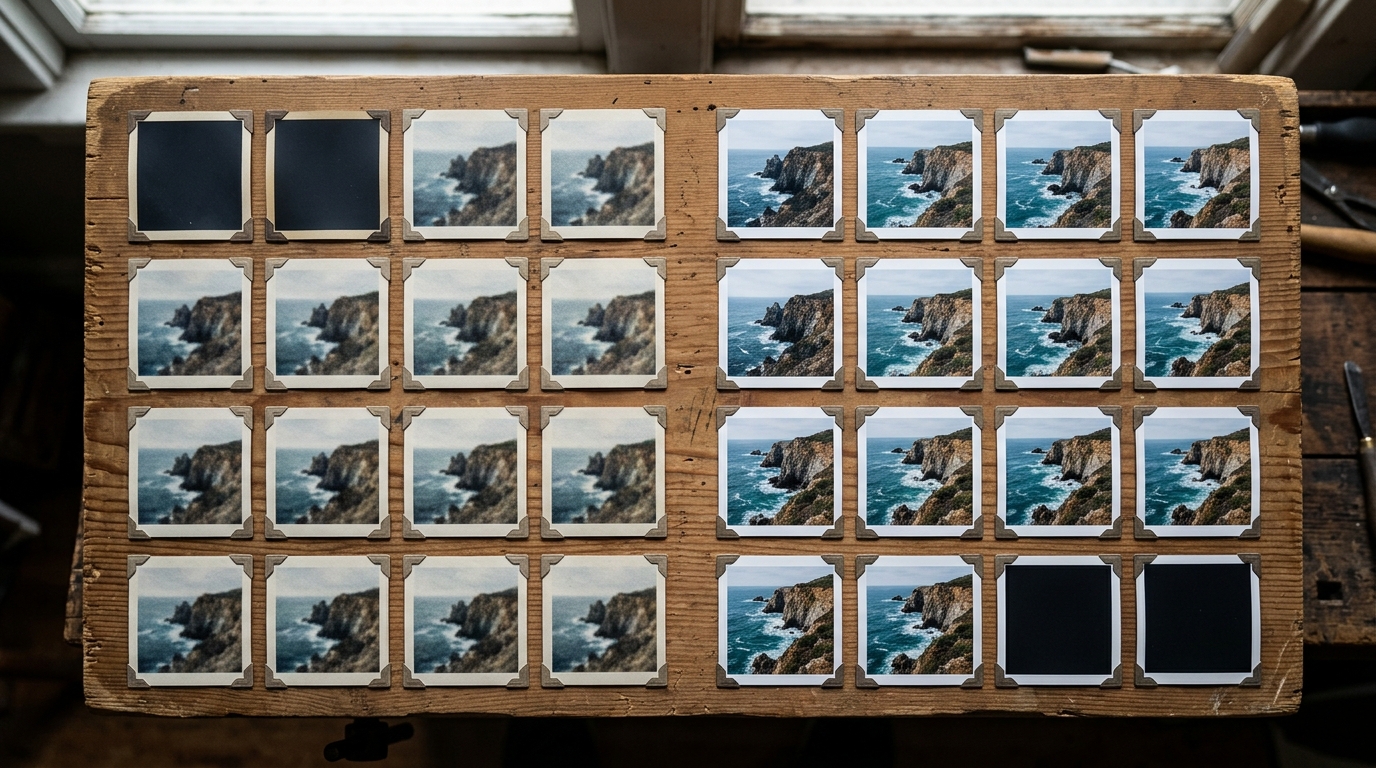
What this actually changes in a workflow
The historic blocker for a generate-low, upscale-high approach has been that it required either expensive local hardware (a capable GPU with enough VRAM to run Topaz Video AI) or a fiddly cloud export step. Topaz for Web removes both friction points. You upload, process, and download in the browser. That means the workflow is now accessible on a laptop, a tablet, or any machine that can open a browser tab, which is a real expansion of who can use it practically.
For Seedance 2.5 specifically, the cost differential between resolution tiers is significant enough to make this worth testing. If generating at 480p costs a fraction of the 1080p equivalent and Starlight can recover the output quality convincingly, then a filmmaker producing volume, multiple takes, multiple angles, iterative prompt tests, has a way to run those experiments affordably and only commit to full-resolution rendering on the shots that actually make the cut.
What Starlight 2.5 and 2.6 each do
Topaz positions Starlight as a model family optimised for retaining the original look of the footage rather than aggressively enhancing it. Precise mode, which is what @CaptainHaHaa used in the comparison, prioritises fidelity to the source over sharpening. The 2.6 version is described as a refinement on 2.5; both are available through the web interface. Which version to reach for will depend on the source material, and there is no published benchmark yet comparing the two on AI-generated footage specifically. That is worth testing independently before committing to either for a full project.
What has not been confirmed
No pricing for Topaz for Web has been detailed in the posts circulating. It is not yet clear whether the service runs on a subscription, a per-minute processing model, or a credit system, and that matters considerably for the cost calculation. The comparison shared is a single creator's anecdotal result on a single clip type. It is not a benchmark. Quality retention will vary with motion complexity, grain structure, and the specific Seedance prompt style. Highly stylised or fast-motion clips may not hold as cleanly through the upscale step.
It is also worth noting that 480p-to-1080p is a 4x resolution increase, and no upscaler, however good, is synthesising detail that was not captured at generation time. The approach works best for footage where sharpness and fine texture are less critical than composition, colour, and motion, which is actually a fair description of a lot of AI video experimentation.
What to test first
If you are already using Seedance 2.5, the lowest-friction entry point is to take a clip you have already generated at full resolution, downscale it to 480p yourself, run it through Topaz Starlight Precise 2.5 on the web, and compare the result to your original. That tells you immediately how much quality the pipeline recovers before you change your generation habits. If the result is acceptable for your use case, the cost argument for generating low becomes very easy to make. If it is not, you have lost nothing except a few minutes.