How to build a sound world your audience feels before they notice it
Most AI films treat sound design as a finishing step. This tip shows you how to build atmosphere in layers, so your film feels inhabited from the first frame.
There is a specific kind of silence in an AI film that tells you it was made by someone who finished the picture and then, almost as an afterthought, dropped a music track underneath it. The images might be striking. The cuts might be clean. But the world on screen has no weight, no depth, no sense that anything is happening off-camera. The audience does not consciously register what is missing, but they feel it as a vague unreality, a reason to scroll.
The problem is not that the music is wrong, or that the dialogue was handled badly. It is that sound design is being treated as decoration when it is actually architecture. Every scene you have ever watched in a cinema that felt completely real, even if it was set on another planet, was real because you could hear the room. You could hear the distance. You could hear the texture of the materials in the space. That sense of physical presence is built in layers, and each layer is something you can construct deliberately, in a single sitting, with tools that cost nothing extra.
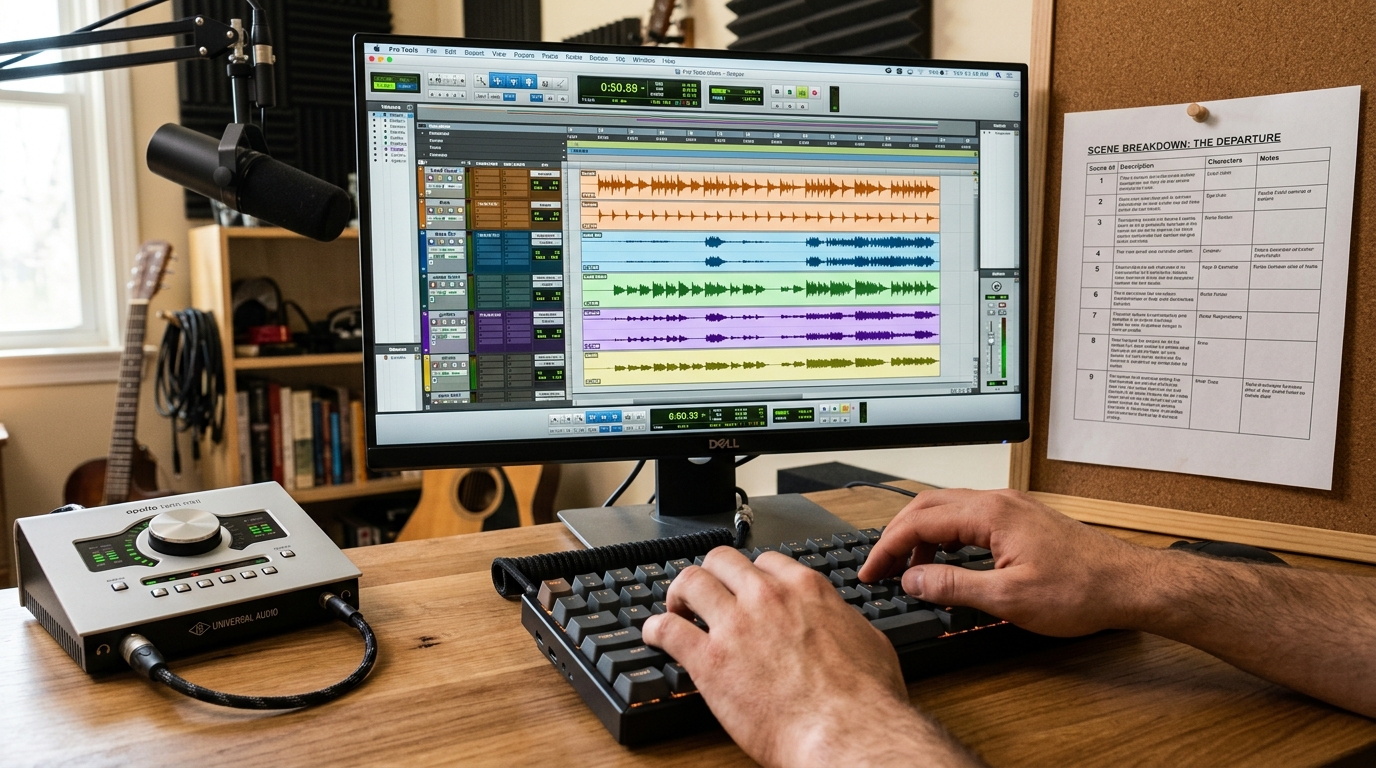
Start with the room, not the score
Before you place a single music cue, build the acoustic container for each scene. This means deciding three things: the size of the space, the dominant surface material, and any ambient sources that would be running in the background whether or not your characters are present.
A concrete car park sounds different from a tiled kitchen, which sounds different from a wood-panelled study. Each of those spaces reflects sound differently. The way to communicate this in your edit is not to find a reverb preset called "large room" but to find or record an actual ambience that contains the right reflections. Sites like Freesound and the BBC Sound Effects library give you thousands of real recorded environments under open licences. Search specifically: "interior ambience concrete", "restaurant background noise distant", "empty office HVAC hum". Download two or three options, drop them under your scene, and listen with your eyes closed before you touch anything else.
Layer in three passes
Once your room tone is in place, work in three passes rather than placing everything at once.
Pass one: constant sources. These are sounds that would be running regardless of any character action. Traffic outside a window. A refrigerator. An air conditioning unit. Wind through a gap. These sit low in the mix, often below conscious hearing, and their job is to make the silence feel inhabited. A useful target is somewhere between minus 24 and minus 18 dB, depending on your overall mix level. You should almost feel them rather than hear them.
Pass two: event sounds. These are tied to specific actions visible on screen. A cup placed on a table. Footsteps. A door. A chair scraping. These are the sounds an audience will notice if they are absent, because the eye tells the brain to expect them. If your AI footage shows a character picking up an object, that object needs a sound, even if the shot is wide and the detail is small. The brain is looking for confirmation. Absent confirmation, it registers wrongness.
Pass three: accent sounds. These are sounds that are not strictly required by what is on screen but that deepen the world. A distant siren. A bird. A phone ringing in another room. Used sparingly, accent sounds suggest that your scene exists inside a larger world, which is exactly the quality that separates a scene from a film.
The music question
Music should arrive into a space that already has texture, not fill a space that has none. If you place your music track first, you will be tempted to bring it up high enough to mask the emptiness, and then you are back to decoration. Place it last, after your three passes, and you will find you need far less of it. A piece of music sitting at minus 12 dB over a room that already breathes feels full. The same piece at minus 6 dB over silence feels pushed.
One specific habit worth forming: automate a music dip of three to four dB whenever a character speaks or performs a significant action. This is standard practice in post production for television and film. It is imperceptible to the viewer but it prevents the music from competing with what the audience is supposed to be focused on. In DaVinci Resolve you can draw this with the curve editor in the Fairlight page. In Premiere, use keyframes on the clip volume line directly.
What changes
The before state is a film that is technically complete but feels like footage. The after state is a film where the audience settles in, because their nervous system has received enough environmental information to stop being suspicious and start being present. That shift happens before they have consciously processed a single plot point. It happens in the first ten seconds of the first scene.
Build the room first. Lay the three passes. Bring the music in last and bring it in lower than feels right. Then play the whole thing back with your eyes closed before you watch it. Your ears will tell you what is still missing.