How to run a lens ladder test so your focal length prompts actually change the picture
Writing 35mm or 85mm into a prompt does not always do what a cinematographer expects. A one-hour lens ladder test shows you which focal lengths your model really separates, and gives you a reference card to prompt from.
You write "shot on 85mm" into a prompt because a cinematographer told you it gives a flattering, compressed portrait. The clip comes back and it looks much like the last one, which you wrote as "shot on 35mm". Either the model ignores the number, or it reads it as a vague signal for "cinematic" and nudges the grade instead of the perspective. You cannot tell which, so you keep adding lens numbers and hoping.
The problem is that you are borrowing a vocabulary without checking that your model speaks it. Real lenses change three things you can see: how much background is in frame, how compressed the distance between subject and background looks, and how much the edges stretch. A focal length that does not change those three things in your output is decoration. A lens ladder test finds out in about an hour which numbers earn their place in your prompts.
Build the ladder
Pick one simple subject that makes perspective obvious: a person seated at a table, with a window behind them, a door to one side and a shelf of objects further back. Depth cues are the whole point, so avoid an empty wall.
Write one base prompt and change only the lens clause. Keep the seed fixed if your tool allows it, and keep duration, aspect ratio and camera movement identical. Use a locked-off camera so movement does not muddy the comparison.
```
A woman in a green knit jumper sits at a wooden table, a mug in front
of her, a window behind her left shoulder, a shelf of jars and a door
to the right. Locked-off camera, eye level, natural window light.
Shot on a [LENS] lens.
```
Run it at five rungs: 16mm, 24mm, 35mm, 50mm and 85mm. Add 135mm if you want a sixth. Generate each one twice, because a single take can be a fluke in either direction.
Score each clip on three questions
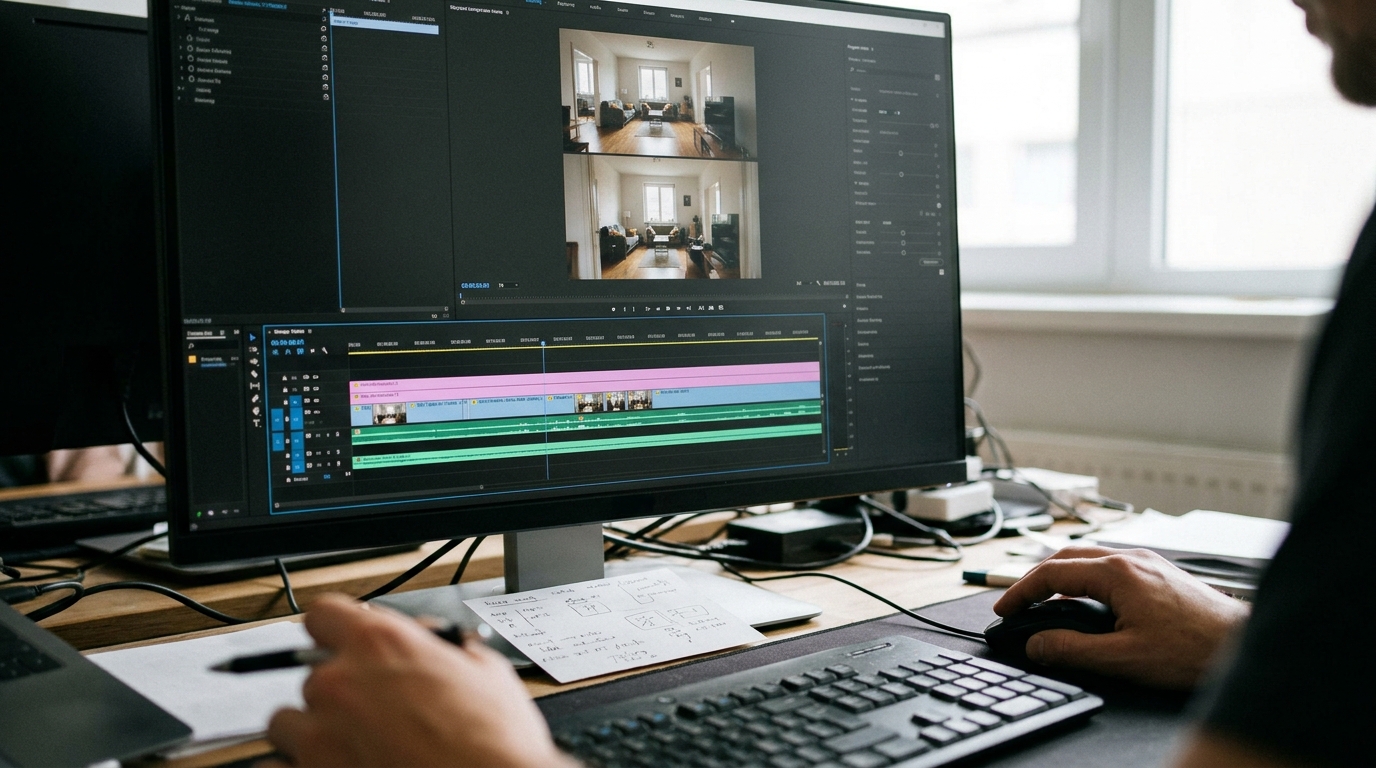
Lay the clips side by side in your editor, stacked on one timeline, and answer these for each:
- Width: how much of the room can you see? Count the objects on the shelf and whether the door is in frame.
- Compression: how large does the window look compared with the subject's head? On a long lens the background looms larger and feels closer to her.
- Edge behaviour: do the table edge and window frame bow or lean toward the corners on the wide rungs?
Write the result on a card, one line per rung. You will usually find the model separates only some of them. Perhaps 16mm and 24mm look identical but both differ from 50mm, and 85mm and 135mm collapse into one. That tells you the model has maybe three real lens settings, and you can stop pretending to have six.
Replace numbers with described behaviour
Where a number fails, describe what you want to see. If 85mm does not compress, try the effect directly.
```
Tight head and shoulders framing, distant background looming large
and softly out of focus, shallow depth of field, flat perspective
with no edge distortion.
```
Run that against your 85mm clip. If the description wins, put it on your card as the telephoto phrase and use it from now on. Do the same for the wide end: "whole room visible, strong depth, table edge stretching toward the corner of frame".
What you should see
Before the test, your lens numbers are superstition and your coverage drifts: a close-up that frames like a medium, a wide that never feels wide. After it, you hold a card with your model's real steps and the phrases that trigger them. A wide establishing shot now shows the door, the shelf and the window together. A close-up shows a face with the background pushed back and soft. When you cut between them, the perspective change reads as a deliberate choice instead of an accident.
Keep the card beside your shot list. Next time you start a project, rerun a three-rung version of the ladder on your actual location prompt before you generate a single scene, since models change and your card should too.