How to keep screen direction consistent across AI shots so your characters stop swapping sides
Characters who walk left to right in one clip and right to left in the next make a scene feel broken. Here is how to plan and prompt screen direction so your cuts connect.
You generate a character crossing a street, then the reverse angle of them arriving at a door, and when you cut the two together they seem to have turned round mid-journey. Nothing is wrong with either clip alone. The problem is that each generation chose its own direction of travel, and the cut exposes the mismatch. Viewers cannot name it, but they feel that the geography of the scene has come apart.
Two-person conversations suffer the same way. Person A looks right in the first shot, and in the reverse, person B also looks right, so the pair appear to be facing the same way instead of each other. Current video models do not track a scene's geography between separate generations, so continuity of direction is your job. It costs you nothing in credits if you plan it before you generate, and a great deal if you discover it in the edit.
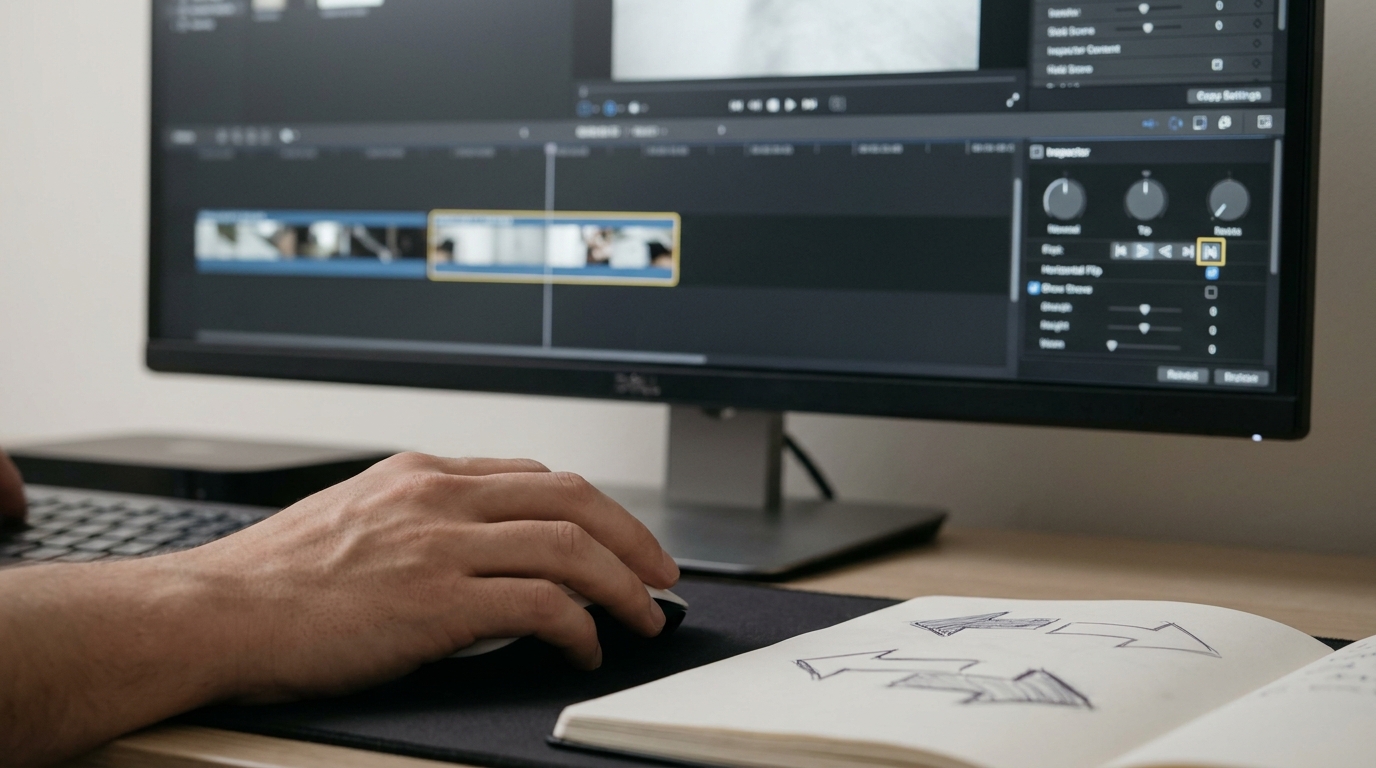
Decide the line before you prompt
Borrow the 180-degree rule from live-action coverage. Draw a straight line between your two characters, or along the path of travel for a moving subject. Every camera position stays on one side of that line. For a solo creator this takes two minutes with a pen and a sheet of paper.
Sketch a top-down plan with two dots for your characters and a line through them. Mark where your camera sits. Then write one sentence for each shot that states who looks or moves in which direction, as seen in frame. Keep this sheet beside your shot list and treat it as fixed.
Put direction in the prompt as a frame-relative instruction
Models respond best to direction described from the viewer's side of the screen, not the character's. Say "screen left" and "screen right" every time, and never "her left".
```
Medium shot, a woman in a green raincoat walks from screen left to screen right along a wet pavement, camera static at chest height, she exits frame right, grey morning light, 35mm lens
```
The reverse of that journey, if she must come back, gets the opposite instruction, and you accept that it will read as a return.
```
Medium shot, the same woman in a green raincoat walks from screen right to screen left along the same wet pavement, camera static at chest height, grey morning light, 35mm lens
```
For a conversation, fix each character to a side and keep it.
```
Over-the-shoulder, man in foreground screen left with his back partly to camera, woman facing him on screen right, looking toward screen left
```
```
Over-the-shoulder, woman in foreground screen right with her back partly to camera, man facing her on screen left, looking toward screen right
```
Use a flip as a repair, not a plan
When a generation is otherwise perfect but faces the wrong way, mirror it in your editor with a horizontal flip. This works for clean backgrounds and plain wardrobe. It fails when there is text, a parting in the hair, a watch on one wrist, or a distinctive asymmetrical face, because the flip is visible to anyone who knows the character. Check those details before you commit to it.
Add a neutral cut when you do cross the line
Sometimes you need to break the rule. Cut to a head-on or tail-on shot of the subject first, or to an insert such as hands or a doorknob, and then take the new side. The neutral shot resets the viewer's sense of space.
What you should see
Before: a scene of five clips where the subject appears to ping-pong in direction, and every cut feels like a jump to a different place. After: the same journey with a consistent left-to-right drift across the sequence, and conversation shots that read as two people facing each other. The footage is identical in quality. The difference is that the cuts now agree with each other.
Try next
Take your current project and mark the direction of every shot on your shot list as L, R, or neutral. Find any adjacent pair that disagrees, and regenerate or flip just that one clip.