How to build a three-second silent hook and burn-in captions for AI film on autoplay feeds
Most viewers meet your AI film with the sound off and a thumb ready to scroll. Here is how to plan the first three seconds and caption the dialogue so the film survives that first glance.
You finish a film that opens on a slow establishing shot, a held breath of ambience, and a title that fades up at four seconds. On a festival screen with the lights down, that is a confident opening. On a phone feed with the sound off, it is a grey rectangle that gets scrolled past before anything has happened. The film is fine. The delivery is not built for how it will be met.
The second problem arrives when viewers do stay. Your AI dialogue is carefully recorded and mixed, but nobody hears it, and the lips on screen are not strong enough to carry meaning alone. You need a hook that works with no audio and captions that read as part of the picture, not as an afterthought laid on by the platform. Both can be done in one sitting.
Plan the first three seconds as a separate shot
Treat the opening as its own deliverable. Do not trim your existing first shot and hope. Write down three things before you generate or cut anything:
- The visible question. One image that makes a viewer want the next second: a hand hovering over a switch, a door already open, a face reacting to something off frame.
- The movement. Something must move in frame one. A static opening reads as a still image on a feed. Subject movement, a slow push, or a cut inside the first two seconds all count.
- The caption line. The first words on screen, written to land without sound.
If your existing film does not contain that image, generate it. A single short clip built for the hook costs far less than reworking the whole edit.
```
Close shot, a woman's hand stops an inch above a red switch under a glass cover, her thumb trembling, fluorescent workshop light, shallow depth of field, slow push in, she looks up sharply at something off screen
```
Note the structure: subject, action with a held tension, lens behaviour, and a glance that implies a second shot. That glance is what you cut to at second two or three.
Cut the hook to sit before your title
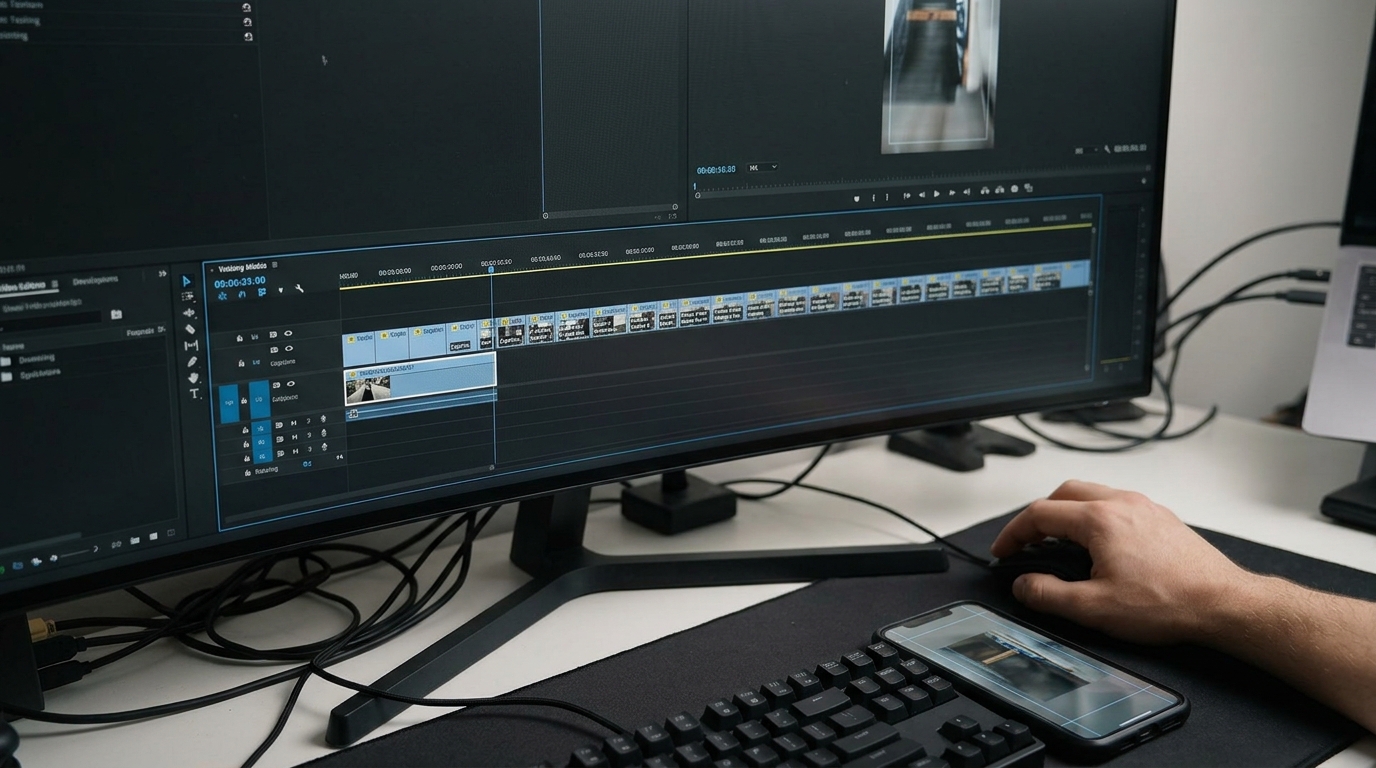
Place the hook clip first, then your title or the story's real opening. In your editor, set the hook to run two to three seconds, then cut on the glance to the next shot. Move the title card later, or lay it over the second shot at low opacity. Nothing in the first three seconds should be a fade from black.
If you want the film's actual first line of dialogue to play early, pull it forward as a caption rather than waiting for the scene that contains it.
Caption the film yourself
Burn the captions into the picture so every platform shows them identically. Use these settings as a starting point:
```
Font: a plain sans serif, semi-bold
Size: about 4 to 5 percent of frame height
Position: lower third, clear of the bottom 12 percent of a 9:16 frame
Line length: 28 to 32 characters, two lines at most
Colour: white with a soft 60 percent black shadow, no hard outline
Timing: each caption on screen for the spoken line plus 4 frames
```
Break lines at natural phrase boundaries, not at the character limit. Keep the caption on screen across a cut if the line continues, and re-time it so it never straddles two shots mid-word.
Check the safe area by exporting a still and viewing it on your phone with the platform's interface open. If a caption sits under the like button or the username, move it up.
What you should see
Before: a fade from black, a wide shot with nothing moving, dialogue that exists only in the audio track. Muted, the film looks like a slideshow and reads as nothing.
After: movement and a question in the first frame, a cut on a glance by second three, and every line of dialogue legible on screen. Play the export muted on your phone. If you can follow who is speaking and what is at stake without touching the volume, the delivery works.
Try this next
Take your current film, generate one hook clip using the prompt structure above, and export a muted 9:16 test. Show it to one person for five seconds and ask what they think happens next.