Runway has published its most complete filmmaking walkthrough yet, and the Burst method at the centre of it is worth learning properly
A full end-to-end tutorial from Runway's official account covers story, character consistency, wardrobe, location, voice and editing inside a single pipeline, with the Burst method as the technique most likely to change how you shoot action.
Runway has been shipping integrations and model updates at pace for months, but the thing working filmmakers often ask for is not another feature, it is someone showing them how all the pieces fit together. That is exactly what the official @runwayml account published on 14 September: a nine-minute walkthrough that goes from blank page to finished edit, covering story structure, character development, wardrobe, location, voice and timeline editing in sequence. It is the most coherent single-source tutorial Runway has released, and the technique at its core, the Burst method, deserves your full attention.
The Burst method, introduced around the five-minute mark of the walkthrough, is a generation strategy rather than a feature. Instead of prompting for one long continuous take, you generate a rapid cluster of short clips from the same scene setup, then select and cut between the strongest moments. The approach maps directly onto how editors work with overcranked or multi-take live footage: you shoot more than you need, you keep what works, and the cut becomes the performance. For action sequences in particular, where a single generation rarely lands every beat, Burst turns a probabilistic output into an editorial decision, which is a much more controllable position to be in.
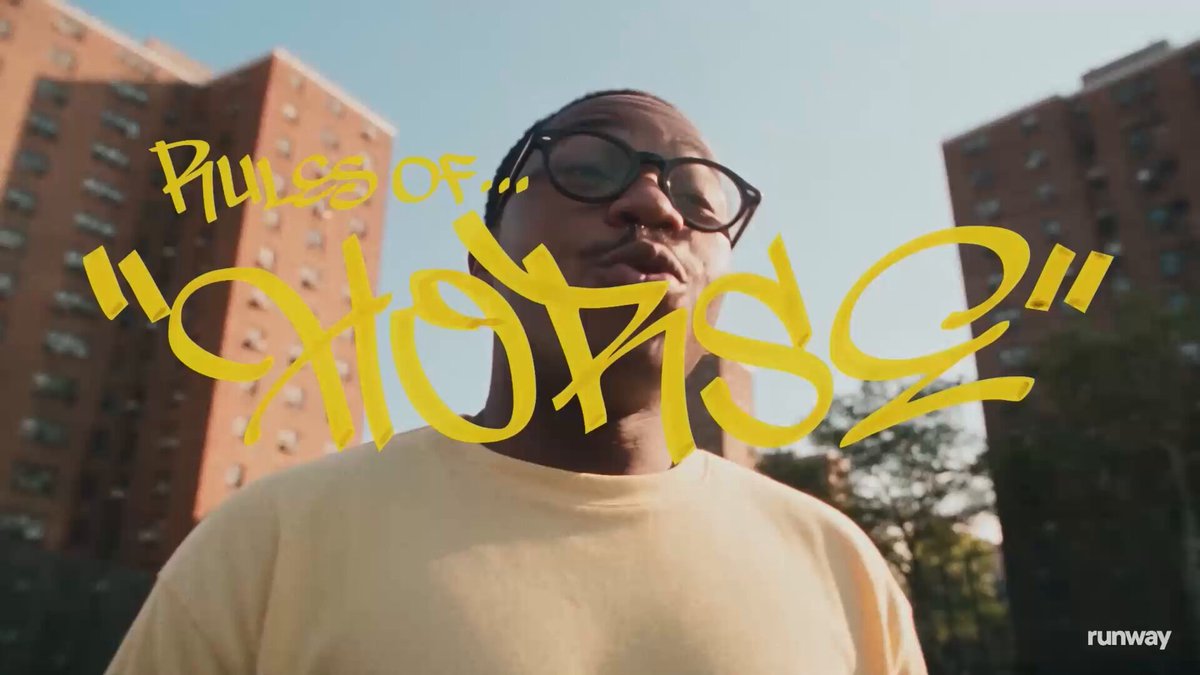
What the walkthrough actually covers
The tutorial is structured in eight chapters. Story and character development occupy the first three minutes, establishing that a legible narrative and a consistent character description are prerequisites before any generation begins. Wardrobe and location development follow, both treated as scene design problems rather than afterthoughts. The Burst method section then demonstrates the generation-and-selection loop for a battle sequence. Character voice synthesis and final timeline editing close it out. Full prompts for each stage are available at the linked skill page.
The editing chapter is quietly significant. It shows a cut-together sequence assembled from Runway generations inside what appears to be a standard NLE timeline, reinforcing that Runway's positioning is now explicitly post-production-adjacent rather than a standalone generation tool. This aligns with the platform's recent arrival inside Adobe Premiere Pro and After Effects, though the walkthrough itself does not depend on those integrations.
What was not said
No specific model is named in the walkthrough text. It is not confirmed whether the footage was generated on Gen-4, a successor, or a combination of models. No pricing or credit costs are attached to the workflow demonstrated. The character voice synthesis section is mentioned but not elaborated on in the post copy, so the toolchain for that step remains unclear without watching the full video. The walkthrough represents a creative pipeline that Runway's team has curated, not a benchmark: the results shown are selected outputs, and your first attempt at the Burst method will require iteration.
How this changes a real workflow
For filmmakers who have been generating clips in isolation and then struggling to assemble them into something coherent, this tutorial makes the case that consistency starts in pre-production, not in the prompt box. The sequence in which Runway presents the steps, story, then character, then wardrobe, then location, then generation, then edit, mirrors a real production pipeline, and that framing matters. It suggests that the creators who get the best results from Runway are not the ones who write the cleverest prompts on the first attempt; they are the ones who treat the tool like a camera that still requires a director.
The Burst method is the most immediately transferable technique here. If you have been prompting for single long takes and finding that action or movement degrades in the back half, try generating six to eight short clips from the same scene description and editing the best moments together. That is a lower-friction path to a usable result than chasing the perfect single generation, and it is a habit that scales as the models improve.
The full prompts and skill are available at the link in Runway's posts.