How to budget your generation credits and name every take so a multi-scene AI film stays under control
Credits vanish and takes pile up with names like final_v3_REAL. Build a one-page ledger and a take-naming rule that tells you what you have spent and what you still need.
You start a six-scene film with a healthy credit balance and a clear idea. By scene three the balance is half gone, scene one has nine takes you cannot tell apart, and you are rationing generations on the scene that matters most, the ending. Nothing went wrong in any single prompt. The money just left in small amounts, with no record of where.
The second problem is the folder. Files called clip_final, clip_final2 and clip_final_USE_THIS only work for about a day. When you come back after a weekend, you cannot tell which take was the keeper and which was the one you kept for a fix. Both problems have the same cure, which is a small amount of bookkeeping done before you generate, not after.
Build the ledger before you spend anything
Open a spreadsheet or a plain text file with one row per shot. Give every shot four numbers: the planned takes, the hard cap, the takes used and the status. Planned takes is your honest expectation. Hard cap is the point where you stop and change the approach instead of buying another attempt.
A workable starting rule for a solo project is to weight your budget by importance, not evenly. Hero shots, the ones the film turns on, get a cap of eight. Ordinary coverage gets four. Inserts and cutaways get two. Add the caps up, compare the total to your balance, and hold back around fifteen percent as a reserve for reshoots you discover in the edit.
```
SHOT | TYPE | PLAN | CAP | USED | STATUS
03A | master | 4 | 8 | 0 | open
03B | single | 3 | 4 | 0 | open
03C | insert | 1 | 2 | 0 | open
RESERVE: 15% of balance, do not touch until picture lock
```
If the caps add up to more than you can afford, you find out now, while you can still cut a shot or merge two. That is far cheaper than finding out in scene five.
Name every take so it explains itself
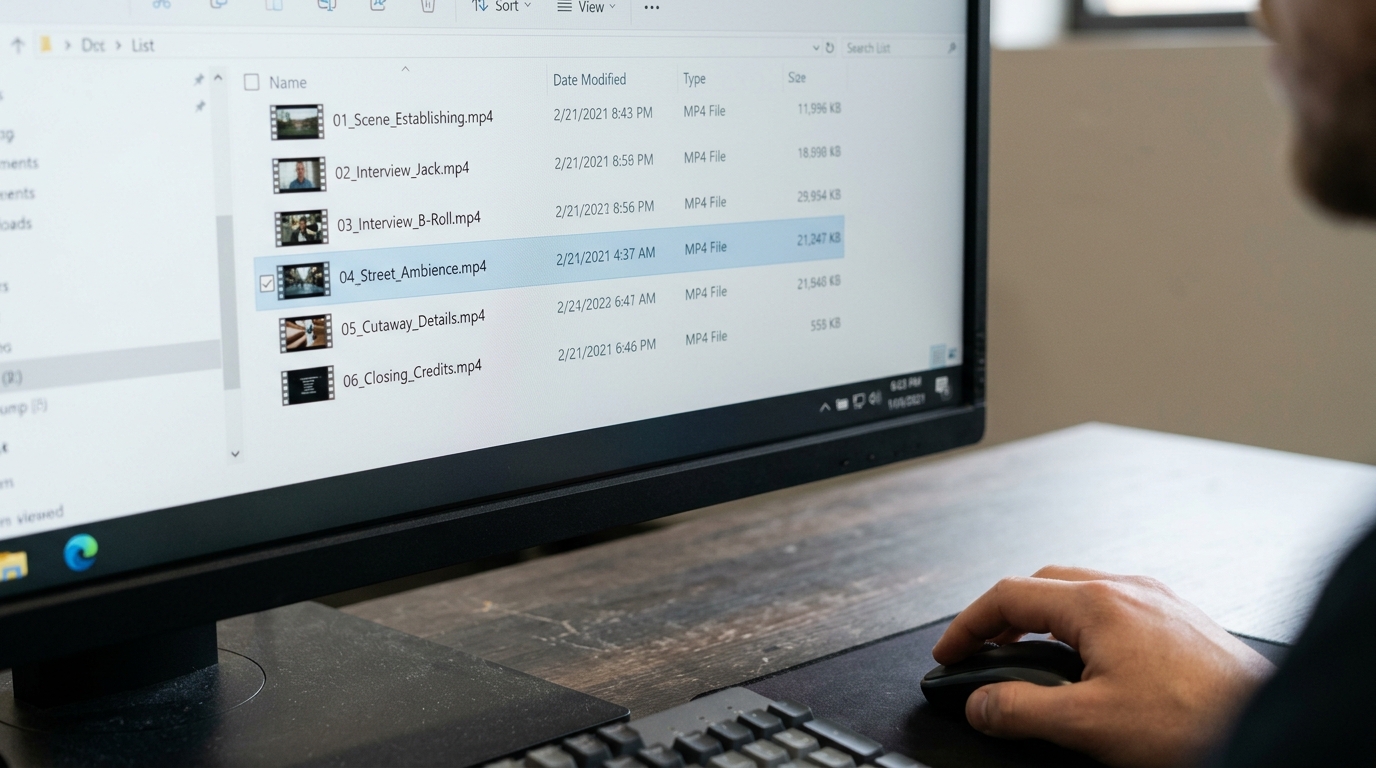
Use one pattern for every file and never deviate: scene, shot, take, and a one-word note on what changed. For example:
```
03A_t01_base.mp4
03A_t02_slowerpush.mp4
03A_t03_newlight.mp4
03A_t04_SELECT.mp4
```
The word SELECT goes on exactly one file per shot, added when you decide, not before. Anything not marked SELECT is a reject or a spare. Move rejects into a subfolder called _out at the end of each session so your working folder only shows live material. Do not delete them until picture lock, because a rejected take sometimes holds the two good seconds you need to cover a cut.
The change word does real work. When take four is worse than take two, the names tell you what you tried and in what order, so you stop repeating experiments you have already lost.
Log, then stop at the cap
After every generation, update the USED column before you write the next prompt. It takes ten seconds and it makes the spend visible at the moment you are tempted to press the button again.
When a shot hits its cap without a select, you may not generate another take of the same prompt. Instead, pick one of three moves: simplify the shot so it asks for less, change the framing so the flaw falls outside it, or swap it for an alternative you can cut around. Write the choice in the status column. This is the rule that protects your ending.
What you should see
Before: credits drain unevenly, early scenes get lavish attention, and you cannot say which file is the real one. After: you can read your remaining spend in one glance, every shot has exactly one marked select, and the final scene still has its full allowance because the reserve was never raided.
Try it on your current project tonight. Write the ledger for the next scene only, set the caps, rename your existing takes to the pattern, and generate nothing until the sheet is filled in.