How to cut a picture-only rough cut of your AI film and find the story gaps before you polish anything
Run a mute, ungraded, placeholder-title assembly first. If the story reads without sound, grade, or fixes, the polish is worth doing.
You finish the last generation, drop everything on the timeline, and immediately start fixing. You upscale the best shots, grade for a look, lay in music, and tidy the audio. Three days later you show someone the film and they ask who the woman in the second scene is, or why the character is suddenly outside. All that polish went onto a sequence that does not yet tell its story.
AI footage makes this trap worse. Every clip looks impressive in isolation, so you lose the ability to judge whether a shot is doing a job. Pretty and necessary feel the same on a monitor. The fix is to strip the film down until only the picture and the order of events are left, and see whether it still holds.
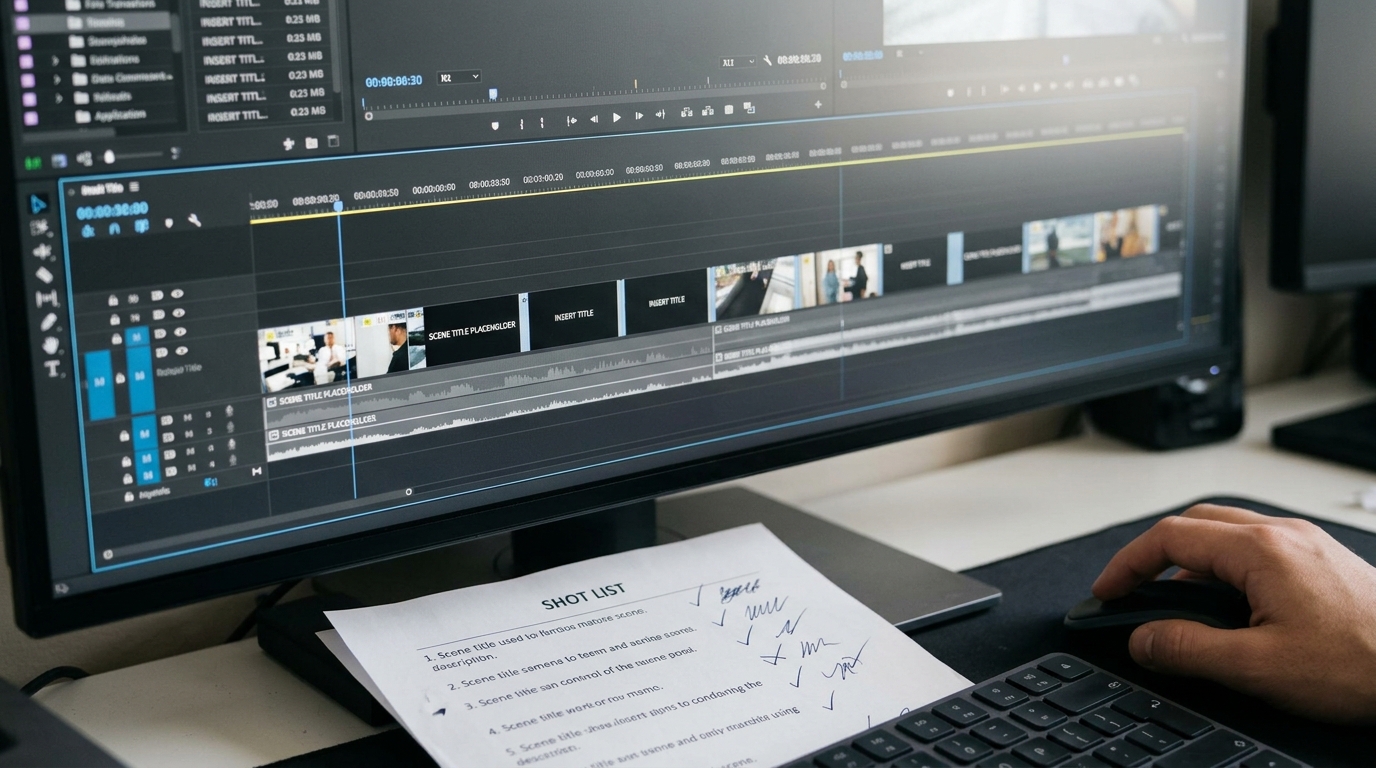
Build the assembly with everything switched off
Create a new sequence and name it with the version, for example `RC1_picture_only`. Put your selected takes in script order. Then apply these rules:
```
Audio: all tracks muted. No music, no ambience, no dialogue.
Grade: none. Leave clips as generated.
Upscale and interpolation: none. Use proxies or originals.
Transitions: hard cuts only.
Clip length: first guess, do not trim finely.
Titles: plain white placeholder cards, one line each.
```
The placeholder cards are the important part. Where a line of dialogue, a voiceover beat, or a piece of information would normally carry the story, type a short plain description on a black card and hold it for the time the line would take. For example: `SHE READS THE LETTER. SHE KNOWS HE LIED.` If the film only makes sense because of the cards, the picture is not doing enough.
Watch it twice, with two different questions
Watch the first pass without pausing. Afterwards, write down in one sentence each: who the main character wants, where each scene takes place, and what changes by the end. If you cannot write those three sentences, that is the problem to solve, not the grade.
Watch the second pass with a pen and mark every shot with one of three letters:
```
K = keep, it advances the story
C = cut, it only looks good
M = missing, I need a shot here that I do not have
```
Be harsh with the C marks. A slow-motion hero shot that took six generations to get is still a C if the sequence plays the same without it. Pay particular attention to the M marks, because they are the shots you can now generate on purpose: an establishing wide so the location is clear, an insert of the object that explains the plot, a reaction close-up to join two beats.
Fix order matters
Once you have your marks, work in this order:
1. Cut the Cs and rebuild the timeline. Save it as `RC2`.
2. Generate only the Ms, using the same character and location references as the rest of the film.
3. Re-run the picture-only watch. Repeat the three-sentence test.
4. Only when the sentences come easily do you unmute, grade, upscale and score.
This is also the cheapest moment to lose material. A shot cut at rough stage costs you nothing. A shot cut after upscaling, grading and sound design costs you the work already done on it.
What you should see
Before: a timeline of strong individual clips, a vague sense that something is off, and feedback that points at the wrong things, such as the colour or the music. After: a shorter film, usually by a fifth to a third, in which every scene has a clear location and every cut answers a question the previous shot raised. Viewers stop asking who and where, and start reacting to what happens.
Try this next
Open your current project, duplicate the sequence, mute everything, and replace one line of dialogue with a black placeholder card. Watch it once, write your three sentences, and mark the first five clips K, C or M before you touch another slider.