How to lock screen direction across AI shots so your cuts stop flipping the geography
AI generations love to flip which way your subject faces from one clip to the next. Here is how to plan screen direction before you generate, and how to prompt it so the cut holds.
You generate a character walking through a door, then a reverse shot of them reacting, and when you cut the two together something feels wrong. In the first clip they travel left to right. In the second they look left to right as well, when they should be looking back the other way. Nothing is broken in either clip. The geography is simply gone, and the viewer feels lost without knowing why.
This happens because each generation is a fresh roll. Current video models have no memory of the clip you made a minute ago, and they choose a facing direction on their own. Left to chance, roughly half your shots will point the wrong way, and you will only notice once you are deep in the edit. The fix is a habit from conventional coverage: decide screen direction on paper first, then write it into every prompt.
Draw the line before you generate
Take a sheet of paper and draw a small plan view of your scene. Mark where your subject stands and where the other person, door or object sits. Draw a single line between them. That is your axis. Every camera position stays on one side of it.
Now write down two facts for the whole scene:
- Subject A faces screen right. Subject B faces screen left.
- Anything that travels toward the destination moves in one fixed direction on screen.
Stick the paper next to your monitor. You are not drawing storyboards. You are fixing two arrows.
Write the direction into every prompt
Models respond far better to explicit screen-space language than to compass words or vague phrases like "turns away". Put the facing and the travel direction in the first sentence, and repeat it in each shot of the scene.
```
Medium shot, woman in a green coat walks from screen left to screen right along a rain-wet pavement, facing screen right, camera tracks alongside at her pace, 35mm lens, eye level.
```
The reverse angle keeps the same rule, so the second person faces the opposite way:
```
Medium close-up, man in a grey jumper stands still, facing screen left, looking toward the woman who is out of frame left, soft overcast daylight, 50mm lens, eye level.
```
Note what stays fixed: she moves right and looks right, he faces left and looks left. They look toward each other across the cut, which is exactly what a viewer expects.
Fix flipped shots in the edit
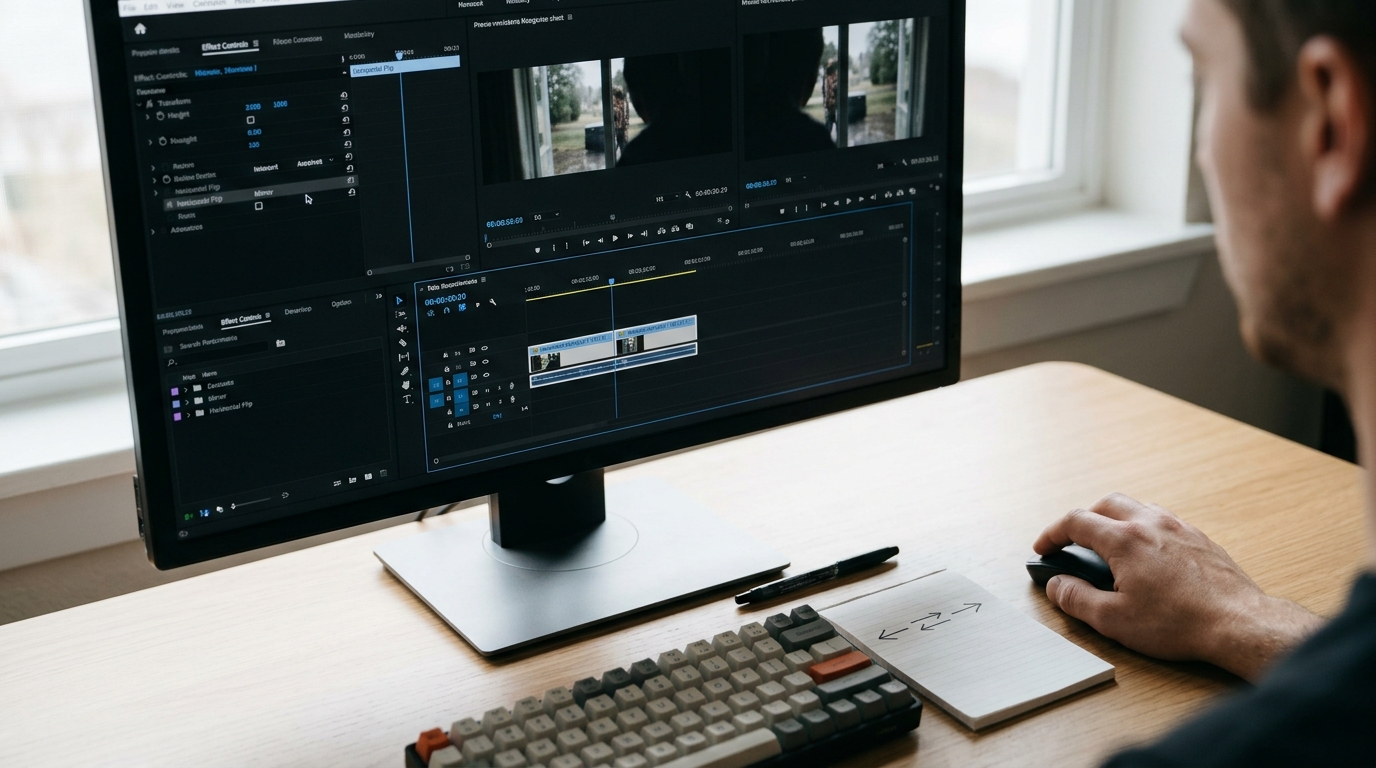
If a clip comes back facing the wrong way and the rest of the take is good, do not regenerate straight away. Mirror it. In your editor, use the horizontal flip or a negative 100 percent X scale on the clip.
This works for most shots, with two checks. First, look for anything readable in frame, such as signs, lettering on clothing or a watch worn on one wrist. A flipped watch moves hands, and that gets noticed. Second, check for a parting or a asymmetrical feature you have established earlier in the film. If either shows, regenerate with the direction written into the prompt instead.
What you should see
Before: a scene of four or five clips where the subject jumps between facing left and right, and you cannot tell where the door is relative to the window. After: the same scene cut together with a stable left and right, where each reverse shot answers the one before it, and you can follow the movement with the sound off.
Test it on a single two-person exchange. Draw the axis, write the two arrows, put the direction into the first sentence of all four prompts, and cut the sequence. Flip any strays in the edit, and only regenerate the ones with readable text.