How to hook your audience in the first five seconds on any platform
The opening seconds of your AI film are doing more structural work than any other moment. Here is how to build a hook that holds across every platform you publish to.
You have probably felt the specific dread of finishing a scene you are proud of, publishing it, and watching the retention graph fall off a cliff inside the first four seconds. The visuals are good. The sound design is considered. The pacing feels right when you watch it through. But on the platform, in the feed, with autoplay and no sound and a thumb ready to scroll, none of that craft lands because the opening moment is not doing its job. The problem is not the film. The problem is that a film opening and a platform hook are two completely different structural things, and most AI filmmakers build for the former and hope it doubles as the latter.
The first five seconds on any short-form or social platform have one function: give the viewer a reason to stop. That reason does not have to be a twist or a title card or a close-up of something shocking. It is usually something much quieter and more specific. It is a visual or an audio cue that raises a question the viewer wants answered. Understanding how to engineer that question, and how to do it without rebuilding your entire film, is the craft this piece is about.
What a hook actually is, structurally
A hook is an open loop. It is a moment that the human brain registers as incomplete and therefore wants to resolve. The loop can be opened by image (something out of context, something mid-action, something withheld), by sound (dialogue that implies a prior conversation, a sound effect that has no visible source yet), or by text overlay (a question, a counter-claim, a statement that contradicts something the viewer believes). The strongest hooks open the loop on more than one channel simultaneously.
On platforms where autoplay begins silently, your first frame carries the entire weight of the initial hook. On platforms where audio plays by default, the first syllable of dialogue or the first musical or sound-design choice is doing equal work. Build differently for each context.
The platform-by-platform checklist
Before you export, run your opening five seconds through this set of questions for each destination:
TikTok and Instagram Reels (silent autoplay default):
- Does the first frame contain visible motion or a subject that is clearly mid-action?
- Is there a caption or text overlay in the first two seconds that states a tension, not a title?
- Would a viewer with no context understand that something is at stake?
YouTube Shorts (audio often on, vertical):
- Does dialogue begin within two seconds, or is there a sound effect that implies location and action immediately?
- Is the framing tight enough to read on a phone screen without zooming in mentally?
YouTube long-form (horizontal, viewer clicked in):
- You have slightly more runway, perhaps eight to twelve seconds, but the principle is the same. The opening image should imply a world and a problem. Ambient sound should make the space feel inhabited before anyone speaks.
LinkedIn and X (feed with thumbnail):
- The thumbnail is the hook here. The first frame of your film may become that thumbnail by default. Treat it as a still image first.
How to retrofit a hook without reshooting
If your film already exists and the opening does not hook, you have four tools before you consider regenerating anything.
1. Trim the front. The most common fix. Films almost always start too early. Cut until the first frame is the moment something has already begun.
2. Start mid-dialogue. If your scene opens with two characters establishing who they are, cut the first exchange entirely. Start on the second beat, the point where the friction has already surfaced.
3. Add a sound-design hook. A single off-screen sound in the first two seconds, a door closing, glass on a table, footsteps on a specific surface, tells the viewer where they are and that something is already happening. This is an edit you can make in any timeline without touching your AI-generated footage.
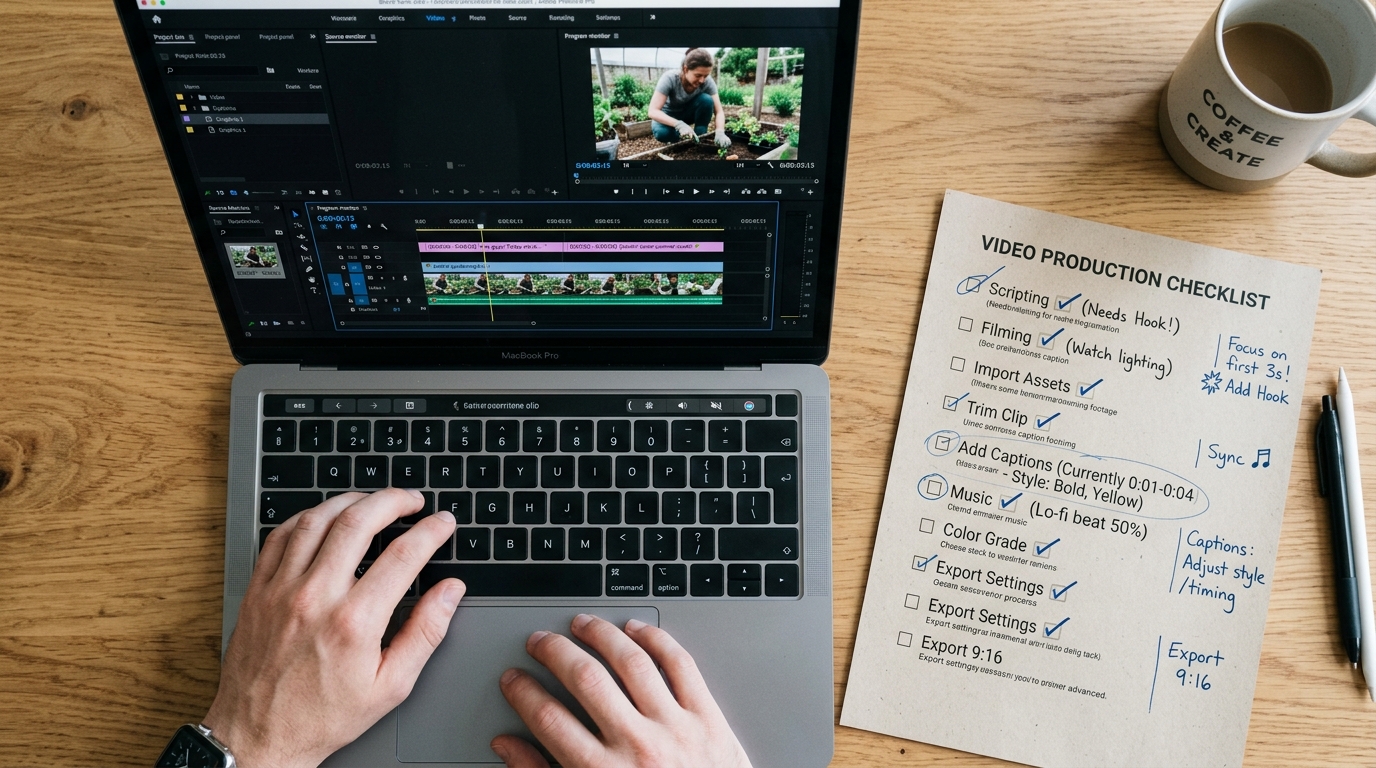
4. Use a caption to open the loop explicitly. A text overlay in the first three seconds that poses a question or states a contradiction does the work your image might not be doing alone. Keep it to a single line. Make it a claim, not a description.
```
Caption structure that works:
[Specific claim the viewer might dispute]
[Question the viewer cannot answer yet]
[Statement that implies something is about to be revealed]
Caption structure that does not:
[Title of the film]
[Character name and location]
[Vague mood descriptor]
```
The before and after you should see
Before applying this: your film opens on an establishing shot, three seconds of ambient environment, then a character begins speaking. The retention graph shows 40% drop-off before anyone has said a word.
After applying this: you trim the establishing shot entirely, begin on the character already mid-gesture, add an off-screen sound in frame one, and place a single-line text caption in the first two seconds that poses the question your film answers. Retention at five seconds improves materially because the viewer's brain has already registered an open loop it wants closed.
The specific numbers will vary by platform, audience, and content. The structural principle does not vary: an open loop holds attention, a closed one releases it.
What to try in your next session
Take a film you have already published with lower-than-expected retention. Watch only the first five seconds with the sound off. Write down what question that image alone raises in a viewer who has no context. If the answer is none, you have found your fix. Trim, reorder, or add one caption line, then watch the same five seconds again and ask the same question. Publish the revised cut to the same platform and compare retention at the five-second mark over the following week.