Higgsfield Relight lets you drag lights around any AI shot after you have already generated it
Higgsfield has launched Video Relight, a tool that applies interactive, colour-controllable lighting to existing footage. You place light sources, set their colour and intensity, and the mood of the entire scene shifts. It works on material you have already made.
There is a specific kind of frustration familiar to anyone who has shipped AI video at pace: the shot is good, the motion is right, but the lighting is wrong and there is nothing you can do about it except generate again and hope. Higgsfield has just made that problem optional. Video Relight, now live on the platform, lets you place virtual lights anywhere around your subject after the footage exists, drag them to any angle, dial in colour and brightness for each one, and watch the scene respond.
That is a meaningful shift in what post-shoot control looks like for AI filmmakers. Lighting has historically been baked into a generation: you either described it in the prompt and accepted whatever the model decided, or you generated many times and cherry-picked. Relight moves that decision downstream, closer to where a cinematographer would normally sit.
What it actually does
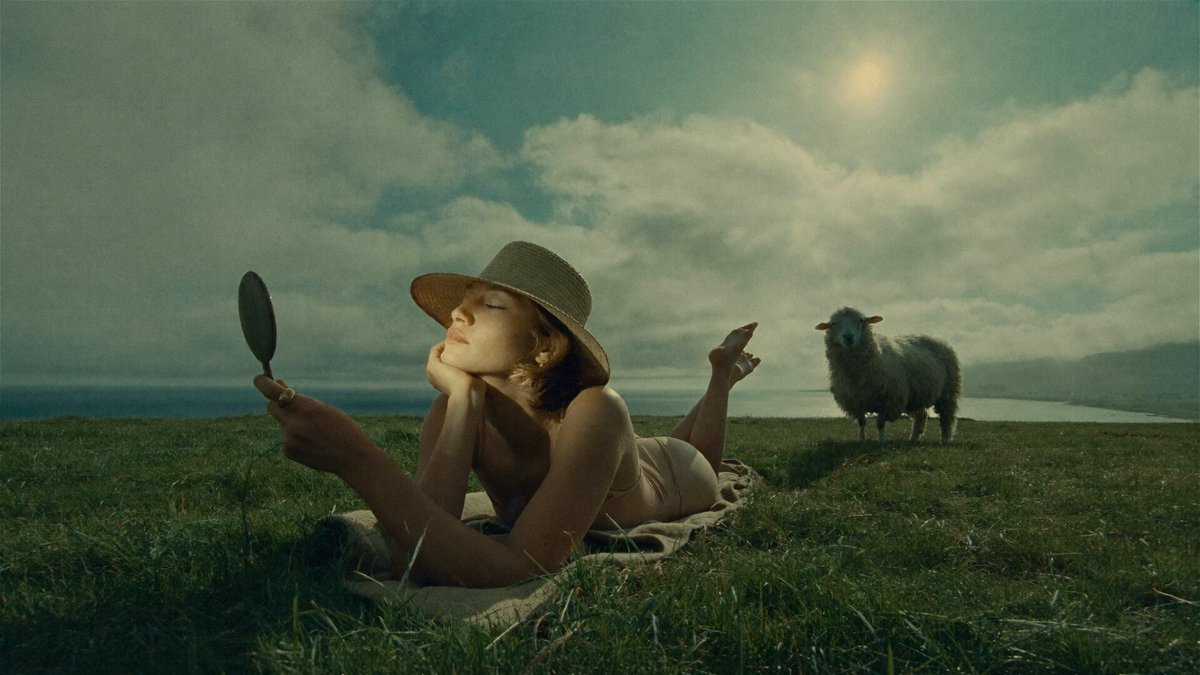
Per @higgsfield_ai, the tool gives you three controls per light: position (draggable around the subject), colour, and brightness. You can add multiple lights to a single shot, which means you can replicate a standard two- or three-point lighting setup, shift from a cool-key warm-fill configuration to something more stylised, or simply fix a scene that generated too flat. The mood of the entire shot changes as you move the lights, not just the highlight on a face.
What it changes in a real workflow
The immediate use case is correction. A 30-second Wan 3.0 generation that is structurally perfect but lit like overcast noon can now be warmed into golden hour or pushed into a moody, low-key style without starting over. That matters most when you are downstream in a project, cutting against existing material with a fixed palette, and a single clip needs to match a look it was never generated into.
The second use case is creative extension. If you are building a scene where lighting changes over the course of a scene, for example a character moving from a neon-lit exterior into a warm interior, Relight gives you a way to guide that transition on existing footage rather than generating separate clips and hoping the seam holds.
For teams producing short-form commercial content, this also trims re-generation cycles. Instead of burning another credit because the key light came in from the wrong side, you correct in post. The cost saving compounds across a project.
What has not been said
The announcement does not specify which underlying model or technique powers the relighting. Whether it is a diffusion-based relighting pass, a NeRF-adjacent approach, or something proprietary is not stated. That matters because it determines the ceiling: some relighting methods hold fine on static or slow-motion shots but produce artefacts on complex camera movement or fast action. No pricing has been announced beyond the fact that it is available now on Higgsfield. Whether Relight consumes credits separately from generation, or is included in existing plans, has not been confirmed.
There is also no information yet on how it handles scene elements beyond a central subject. Relighting a portrait is a solved-ish problem; relighting a wide establishing shot with multiple surfaces, reflections, and background elements is considerably harder. The demo shows a subject-centred application, which suggests the tool may be optimised for that use case at launch.
What to test first
If you have a backlog of generations that are close but not quite right on lighting, start there. Bring in a shot that generated flat, add a warm key from one side and a cool fill from the other, and see how consistently the model holds the light as it moves through the frame. Pay particular attention to how reflective surfaces and hair respond, those are the first places relighting artefacts tend to appear. Test it on a shot with moderate camera movement, not just locked-off frames, before committing to it in a client pipeline.
For AI filmmakers working in short-form and commercial formats, interactive post-shoot lighting control is one of those capabilities that sounds incremental until you have spent an afternoon re-generating a single scene. Relight deserves a serious test against your current workarounds.