Higgsfield has shared five tips from building an AI film, and the one about text will save you hours
Higgsfield broke down how its team built a short film from Seedream and Soul Cinema stills, with code-built screens and a rebuilt edit. Here is what to steal and what the thread leaves out.
Higgsfield has published a plain, practical breakdown of how it built a short film, and the most useful tip is also the least glamorous. Do not let the image model draw your text. Build it in code.
The thread, posted by @higgsfield_ai, runs through five lessons. Interface and screen inserts were built in code with Claude Opus 5.5, and Claude also did the cleanup pass. Higgsfield's reasoning is blunt: code keeps text sharp and readable, and generated UI usually breaks on exactly that. Anyone who has watched a fake dashboard dissolve into alphabet soup will recognise the problem.
The five tips, and what each changes
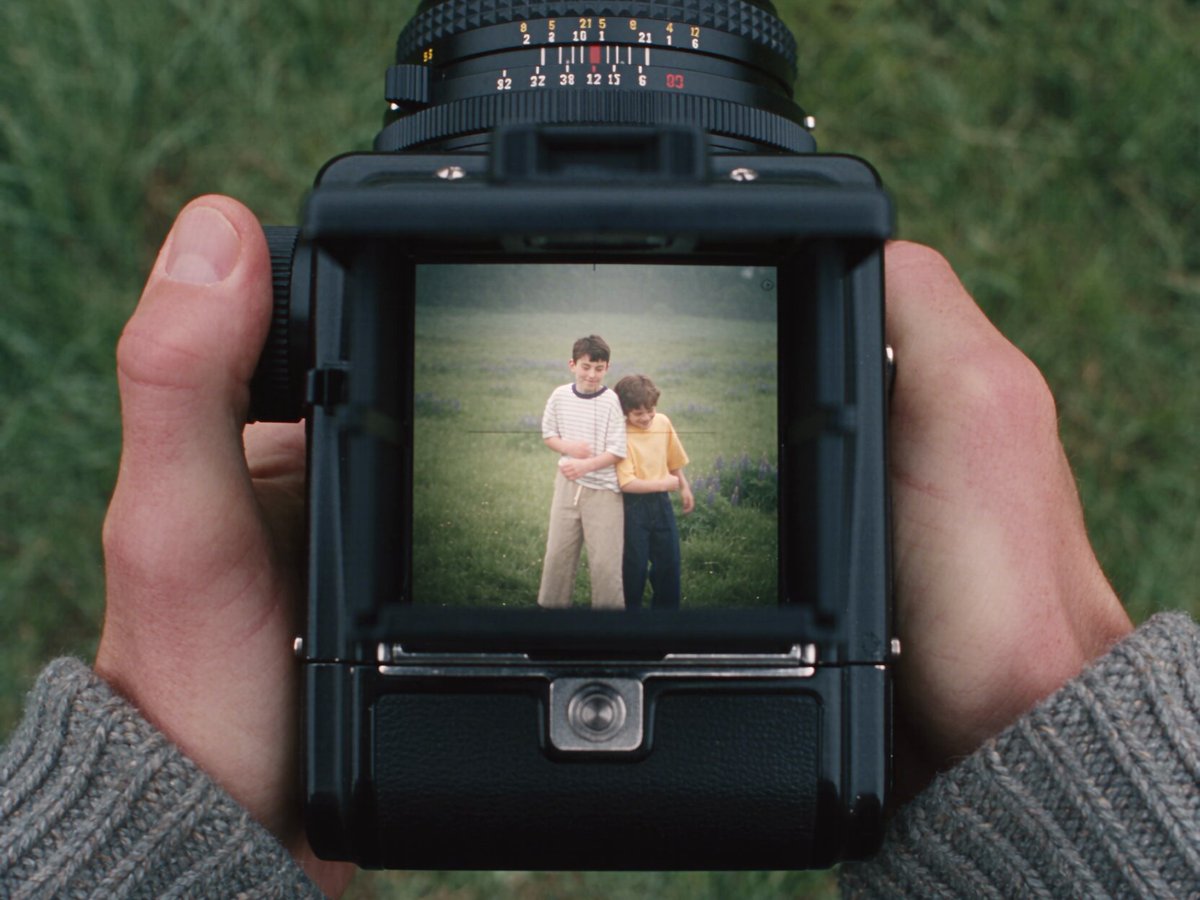
The stills came from Seedream and Soul Cinema, prompted to look shot on film. The team also asked for chromatic aberration, the slight colour fringing a real lens produces. Higgsfield calls it a small flaw and says it is why the frames feel photographed. That is a good instinct. Most AI stills fail by being too clean, and a deliberate flaw is cheaper than a grading pass.
Every timelapse and b-roll shot was written as its own Seedream prompt, so each had a clear job in the edit before it existed. This is the part worth copying first. Treat b-roll as a shot list, not a lucky dip.
The team then assembled the full film several times and rebuilt it each time. Higgsfield says the earlier version looks quite different from the final one. The closing checklist reads: lock the previs before you generate anything, add imperfection on purpose, build anything with text in code, and rebuild the edit at least once.
How it sits against what you do now
Most AI filmmakers generate first and discover the edit afterwards. This workflow reverses that. Previs is locked, every shot has a purpose, and generation fills a plan. It costs more thinking up front and, plausibly, fewer wasted generations later. Higgsfield does not give numbers on that, so treat it as a claim, not a result.
The code route for screens is the most transferable idea. It does not depend on Higgsfield at all. Any coding assistant that can produce a clean interface mock-up and render it to a frame will do the same job, and you get legible type every time.
What was not said
The thread does not say how long the film took, how many generations were discarded, or what the credit cost was. It does not show the previs process in any detail. It does not tell you which video model animated the stills, if any, so the motion side of the pipeline is a blank. The posts supplied here also begin at tip two, so I have not seen how the thread opened or what the film is about.
Higgsfield links to a full project page so you can see how it was built. That is the place to check the specifics, and I would treat the thread as a summary of it.
What to test first
First, run the text test. Take one shot that needs a readable screen or sign and build it in code, then composite it. Compare it with a generated version at full resolution. You will see the difference in seconds.
Second, add chromatic aberration to your next batch of stills prompts and judge whether they feel less synthetic. Keep it subtle, because overdone fringing looks like a filter.
Third, write your b-roll as individual prompts with a stated job for each, then count how many you actually use. If the answer is nearly all of them, the method is working.
Finally, rebuild your edit once from scratch. It is a cheap experiment, and Higgsfield's own earlier cut apparently looked very different.
Sources: the film look tip, the b-roll tip, the code-built screens tip, the rebuild-the-edit tip, the closing checklist, the full project link.