One film, four platforms: how to deliver AI footage without rebuilding everything from scratch
Aspect ratios, hooks, captions and pacing differ across every platform. Here is how to plan your AI film once and ship it four ways without wasting a single generation credit.
You generate a sequence you are genuinely proud of. The framing is considered, the pacing feels right, the colour holds together. Then you upload it to a second platform and the whole thing falls apart: faces are cropped to foreheads, the opening three seconds play like dead air, and the captions you burned in for one format crowd out the image on another. The problem is not the footage. The problem is that you treated delivery as a single destination when every platform is effectively a different cinema with a different audience contract.
Most solo AI filmmakers plan their shots in whatever aspect ratio the model defaults to and then try to retrofit everything afterwards. That is expensive in both time and credits, because fixing a composition-dependent shot for a different ratio often means regenerating it entirely. The fix is to build platform decisions into your production planning, before you prompt a single frame, so that the same pool of footage serves everywhere with only editorial and metadata changes at the end.
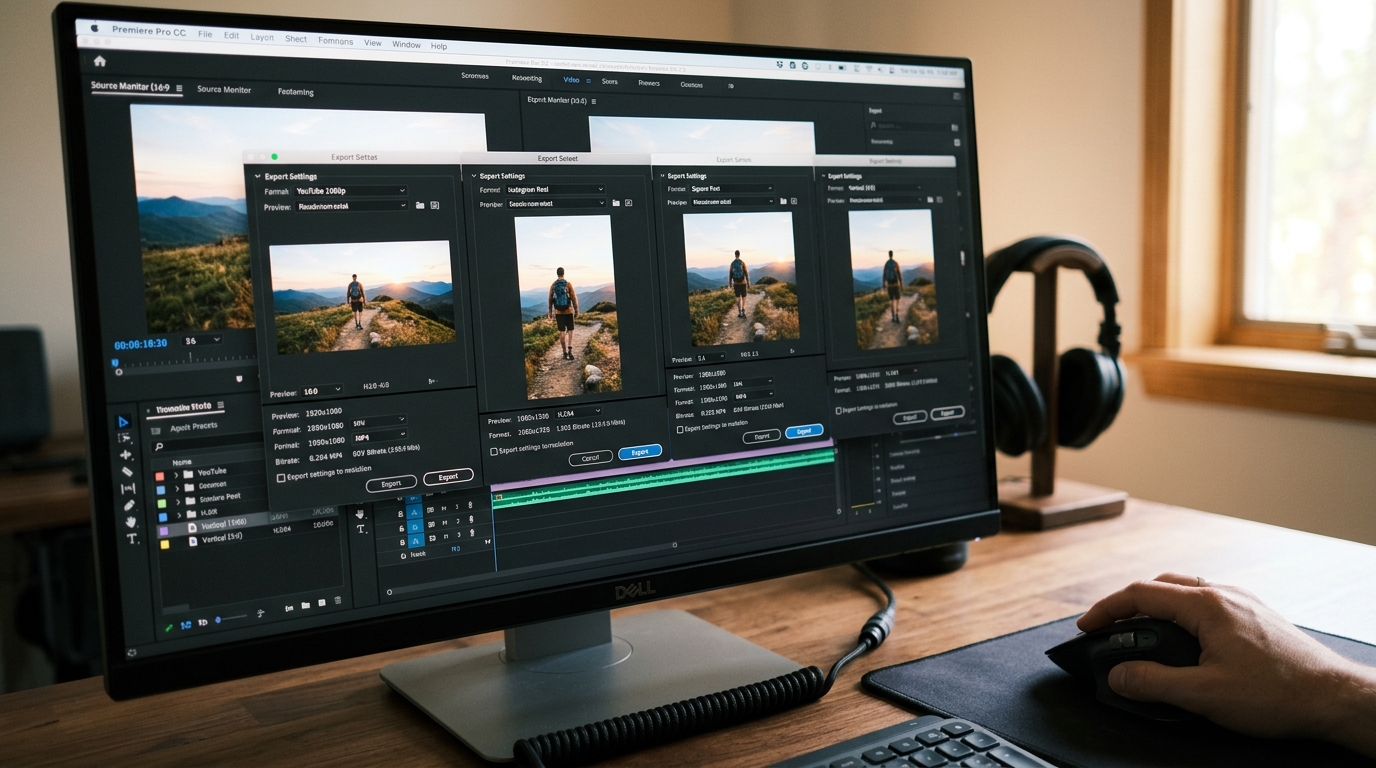
Know the three format families before you generate anything
For practical purposes you are working across three aspect ratio families: 16:9 horizontal (YouTube, desktop web, connected TV), 9:16 vertical (TikTok, Instagram Reels, YouTube Shorts), and 1:1 square (Instagram feed, some LinkedIn placements). A fourth, 4:5 portrait, occasionally matters for Instagram feed stills promoted as video.
The critical insight is that 16:9 and 9:16 share the same centre column. If you compose your hero action and faces in the central third of a 16:9 frame, you can crop to 9:16 and lose only the lateral context, not the subject. This is not a new idea, it is how broadcast television has handled safe-area composition for decades. Apply the same discipline when writing your prompts: keep subjects centred, avoid compositions where meaning lives at the edge of frame.
Build a two-ratio master during the prompt stage
When you are generating key shots, prompt once for 16:9, then prompt a companion vertical crop version for any shot where the subject is close enough to fill a 9:16 frame compellingly. Do not try to reframe a wide establishing shot into vertical; generate a separate tight version instead. Your shot list should note which shots need a vertical companion and which will simply be skipped in the short-form cut.
A usable notation system for your shot list:
```
SHOT 04 — kitchen, morning
Subject: hands wrapping dough on wooden board
H (16:9): wide, hands + board + window light from left
V (9:16): tight, hands only, generate separate
SQ (1:1): use H crop, subject centred ✓
Notes: no meaningful action at frame edge, safe to crop
SHOT 07 — street, dusk
Subject: figure walking toward camera, buildings either side
H (16:9): use primary generation
V (9:16): SKIP — buildings carry the story, not croppable
SQ (1:1): SKIP
Notes: cut to shot 08 in vertical and square edits
```
This notation costs two minutes per shot and saves you from discovering a crop problem at 11 pm on delivery night.
Hook timing is not the same across platforms
On YouTube, you have roughly five to eight seconds before a viewer makes an active decision to stay. On TikTok or Reels, that window is closer to one to two seconds, and it is often judged on the first frame alone, because autoplay lands mid-scroll with the sound off. Your horizontal cut can open on a slow pull-back or an atmospheric establishing shot. Your vertical cut cannot. For vertical, the first frame needs a face, a clear action, or an unresolved visual question. Plan one alternate opening shot specifically for your short-form edit. Generate it during the same session as your other shots so the lighting and grade are consistent.
Captions: burn nothing into the master
Never burn captions or titles directly into your generated footage. Always composite them in your editing software against a separate text layer. This is elementary advice but AI filmmakers routinely violate it because text-in-video feels fast. The cost is that font size, position, safe area padding and even language all differ by platform and audience, and you cannot unpick burned text without regenerating the shot. Keep your generated footage clean. Apply captions as a non-destructive layer, export a captioned version and an uncaptioned version of every deliverable, and store both.
For vertical formats, caption placement sits roughly between 70% and 85% of frame height to avoid the platform UI overlaying your text at the bottom. For horizontal, the standard lower-third position is fine. These are different text layer positions in your timeline, not different videos.
The delivery checklist
Before you export anything, run through this per-platform:
```
Platform: ____________
Aspect ratio confirmed: Y / N
Opening hook appropriate for platform attention window: Y / N
Captions on separate layer, correct safe area: Y / N
Audio mix checked at platform reference level (-14 LUFS integrated for YouTube, -16 LUFS for most mobile-first platforms): Y / N
Thumbnail or cover frame exported separately: Y / N
Filename includes platform and ratio tag (e.g. film_title_YT_16x9_v2): Y / N
```
The filename convention matters more than it seems. When you are managing six or eight deliverable files from a single project, the version that gets uploaded to the wrong platform is almost always the one with an ambiguous name.
Start your next project by writing the platform column into your shot list before you generate a single frame. Thirty seconds of planning at the top of the process removes an hour of remediation at the bottom.