How to change one variable at a time so you know what your prompt actually did
Rewriting a whole prompt after every bad take teaches you nothing. Lock a base prompt, change one clause per generation, and you learn what each phrase does to the picture.
You get a take that is nearly right. The subject is correct, the room is correct, but the move is too fast and the face has gone flat. So you rewrite the prompt from the top, swapping the camera line, the lighting line and half the adjectives in one go. The next take is different, but you cannot say why. It might be better, it might be worse, and either way you have learned nothing you can reuse on the next shot.
This is the habit that quietly burns most credits. Current video models respond to small wording changes in ways that are visible but hard to predict, so a multi-clause rewrite hides the cause. The fix is dull and it works: treat your prompt like a test sheet, lock everything, and change one clause per generation. Four or five takes later you know exactly which phrase moved the picture.
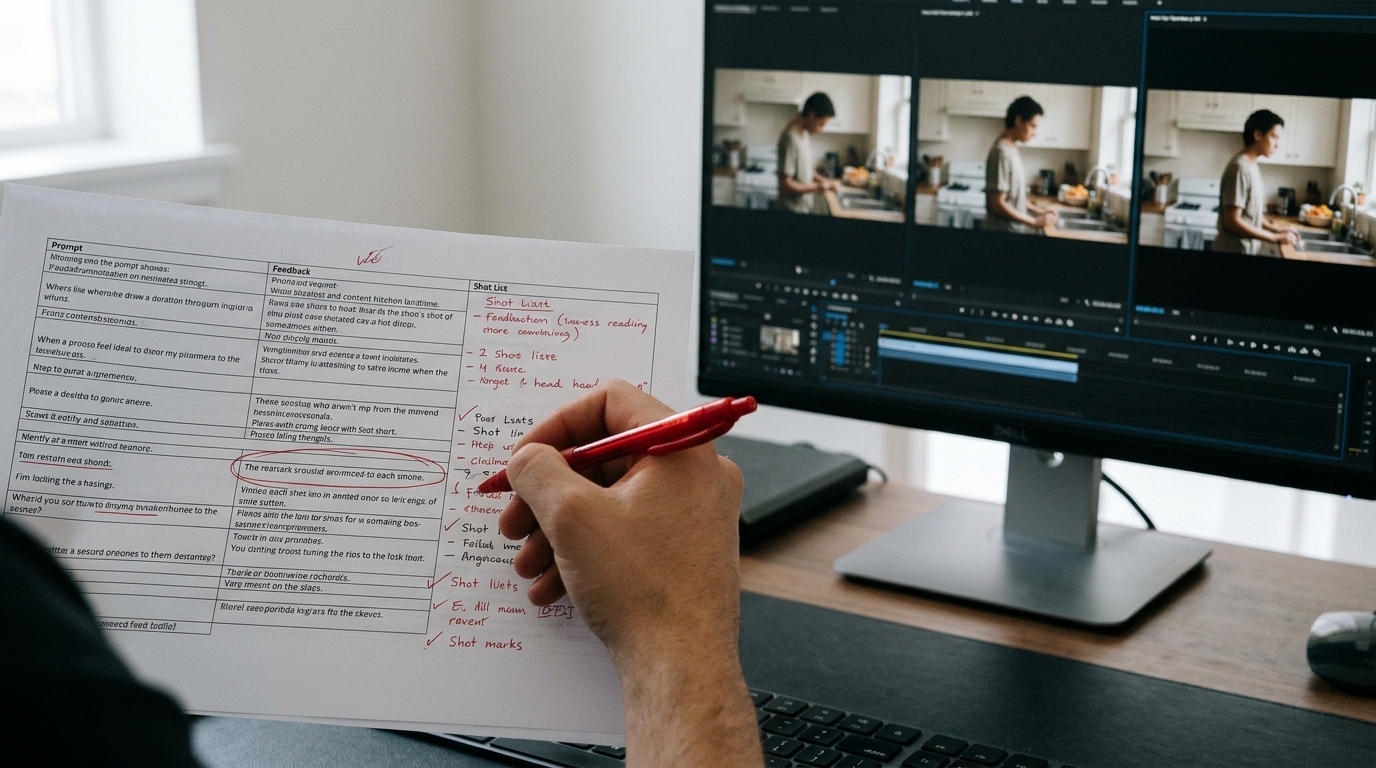
Write the prompt in a fixed order
Before you can change one thing, the prompt needs slots. Use the same order every time, so you always know where to look and what to edit.
```
SUBJECT: a woman in her sixties, grey cropped hair, navy wool coat, holding a paper cup
ACTION: she looks up from the cup and turns her head slowly to the left
SETTING: a small tiled kitchen, early morning, window on the right
CAMERA: static medium close-up, eye level, 50mm lens
LIGHT: soft daylight from the window, no other sources
STYLE: natural colour, fine film grain, shallow depth of field
```
Six lines, one job each. Subject and setting describe what exists. Action describes what changes. Camera and light describe how it is seen. Keep the action to a single verb phrase, because two actions in one clip is where models start dropping one of them.
Change one slot, name the take
Generate the base prompt first and label it A. Then pick the single slot you are unhappy with and rewrite only that line. If the head turn is too quick, change the action line and nothing else.
```
Take A: ...turns her head slowly to the left
Take B: ...turns her head very slowly to the left over the whole clip
Take C: ...holds still, eyes move slowly from the cup to the window
```
Keep the seed fixed if your tool exposes it. If it does not, generate two takes of each version so you are not judging a single lucky or unlucky roll. Paste each prompt into a notes file next to its take name. That file is your record of cause and effect.
Run the ladder on the slot that matters
Pick the slot that is causing your problem and write three versions of it, mild to strong. For camera, that might be static, slow push in, slow push in with slight handheld drift. For light, it might be soft daylight, overcast daylight, low sun through the window. Generate each rung with the other five lines untouched.
What you are looking for is the rung where the picture visibly changes. Sometimes the first two rungs look identical and the third jumps. That tells you how hard you have to push the wording to get the model to respond, and you will carry that knowledge into every later prompt.
What you should see
Before, you have a pile of takes that all differ in five ways, and picking a favourite is guesswork. After, you have a short run of takes that differ in one way, and the winner is obvious because the comparison is clean.
You also get a personal reference. When a later shot needs a slower head turn, you open the notes file, find the phrasing that worked, and paste it in. Over a project, those notes become your own prompt dictionary for the model you are using, built from your footage instead of someone else's advice.
Try this next
Take the shot that has cost you the most credits this week. Split its prompt into the six slots above, generate a base take, then run a three-rung ladder on the one slot you suspect is the problem. Stop when one rung fixes it, and save that line.