How to iterate on a prompt by changing one thing at a time
Rewriting a whole prompt after every bad take teaches you nothing. Change one variable per generation and you will know exactly what fixed the shot.
You generate a shot, it is nearly right, and the hands are wrong or the light is flat or the move is too fast. So you rewrite the prompt. You swap four adjectives, reorder the clauses, add a lens, remove the weather. The next take is better in one way and worse in two others, and you have no idea which edit did what. Ten generations later you have a folder of near misses and no understanding of why any of them look the way they do.
The habit that fixes this is borrowed from any lab bench: change one variable, keep everything else fixed, and read the result. Current video models respond to small prompt edits in visible, repeatable ways, but only if you give them a stable base to compare against. This tip shows you how to build that base and run a clean iteration in about twenty minutes.
Build a base prompt with four fixed slots
Before you iterate, structure the prompt so each part has a home. Four slots are enough: subject, action, camera, light. Keep each to one clause. If a slot holds three ideas, you cannot tell which one the model acted on.
```
SUBJECT: a woman in a green waxed jacket, mid-forties, short grey hair
ACTION: she turns her head slowly toward the window and stops
CAMERA: locked-off medium close-up, 50mm, eye level
LIGHT: soft overcast daylight from camera left, no direct sun
```
Join them into one line when you submit, in that order. Save this as take 00. It is your control, and you do not edit it again.
Change one slot, one clause
Now decide what is wrong with take 00 and name a single fix. If the head turn is too quick, edit only the ACTION slot:
```
ACTION: she turns her head very slowly toward the window over several seconds and stops
```
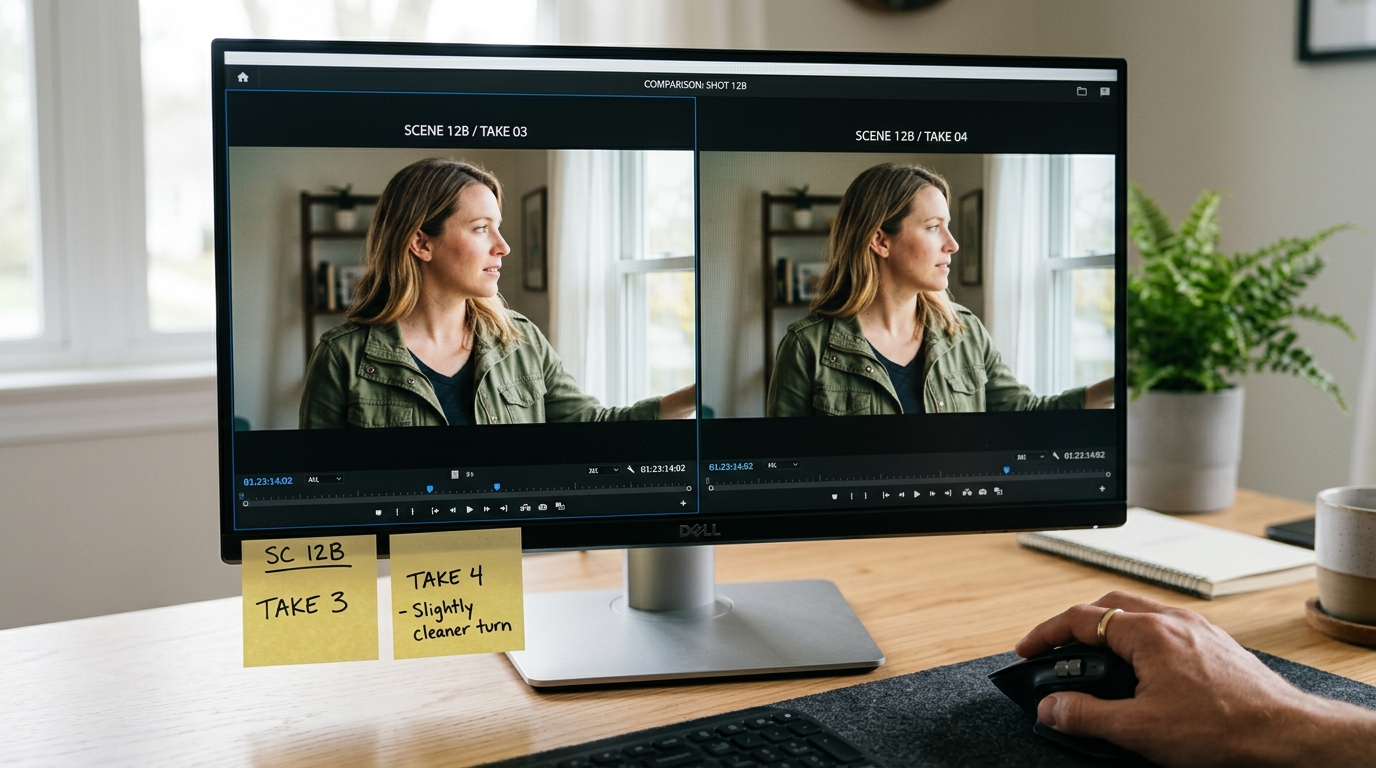
Subject, camera and light stay word for word identical. Generate. Compare take 01 to take 00 side by side, paused on the same frame number. You are now looking at the effect of those added words and nothing else.
If you want to test a camera change, touch only the CAMERA slot. Swap the lens, or change locked-off to a slow push in, never both at once. Keep a one-line note beside each take: what slot changed, what you saw. Something like "01, action slowed, turn now reads as deliberate, face drifts slightly at the end."
Run three takes per change
One generation is an anecdote. Run the same edited prompt three times before you judge it. If all three show the slower turn, the words work. If only one does, the phrase is unreliable and you should try a different wording for the same idea, such as "unhurried" in place of "very slowly", again changing only that.
This costs credits, so spend them where they count. Iterate on the slot that is actually breaking the shot, and accept the rest.
What you should see
Before: a folder of takes where the jacket colour, the window position and the pacing all shift from one to the next, and you cannot say why. After: a short chain of takes where the framing, the subject and the light hold steady while one property moves in a direction you chose. You will also build a personal list of phrases that reliably do something, which is worth more than any shared prompt template because it reflects the models you actually use.
The chain also tells you when to stop. If three different wordings of the same fix all fail, the problem is not the prompt, and you can move to a different approach, such as a reference image or a cut around the flaw in the edit, without wondering whether one more rewrite might have worked.
Try this next
Pick a shot you are already stuck on. Split its prompt into the four slots, save it as take 00, and fix the single worst problem with a one-clause edit. Run it three times and write down what changed.