How to score your AI film with a three-cue music plan and cut to it
Wall-to-wall music hides weak AI footage for about thirty seconds and then exhausts the viewer. Plan three cues, place the silences on purpose, and cut picture to the music's structure.
You finish the picture edit, drop one track under the whole film, and it feels fine for the first thirty seconds. By the second minute the music has stopped doing anything. It plays at the same level through the quiet shot and the big reveal, and every cut lands wherever it happens to land against the beat. The film feels like a showreel with a playlist behind it.
This is the usual failure with AI films, because the footage is often short, smooth and a little weightless, so creators reach for continuous music to give it momentum. Continuous music cannot give a film shape. Cues can. A cue is a piece of music with a reason to start and a reason to stop, and three of them are enough to score a film of up to five minutes.
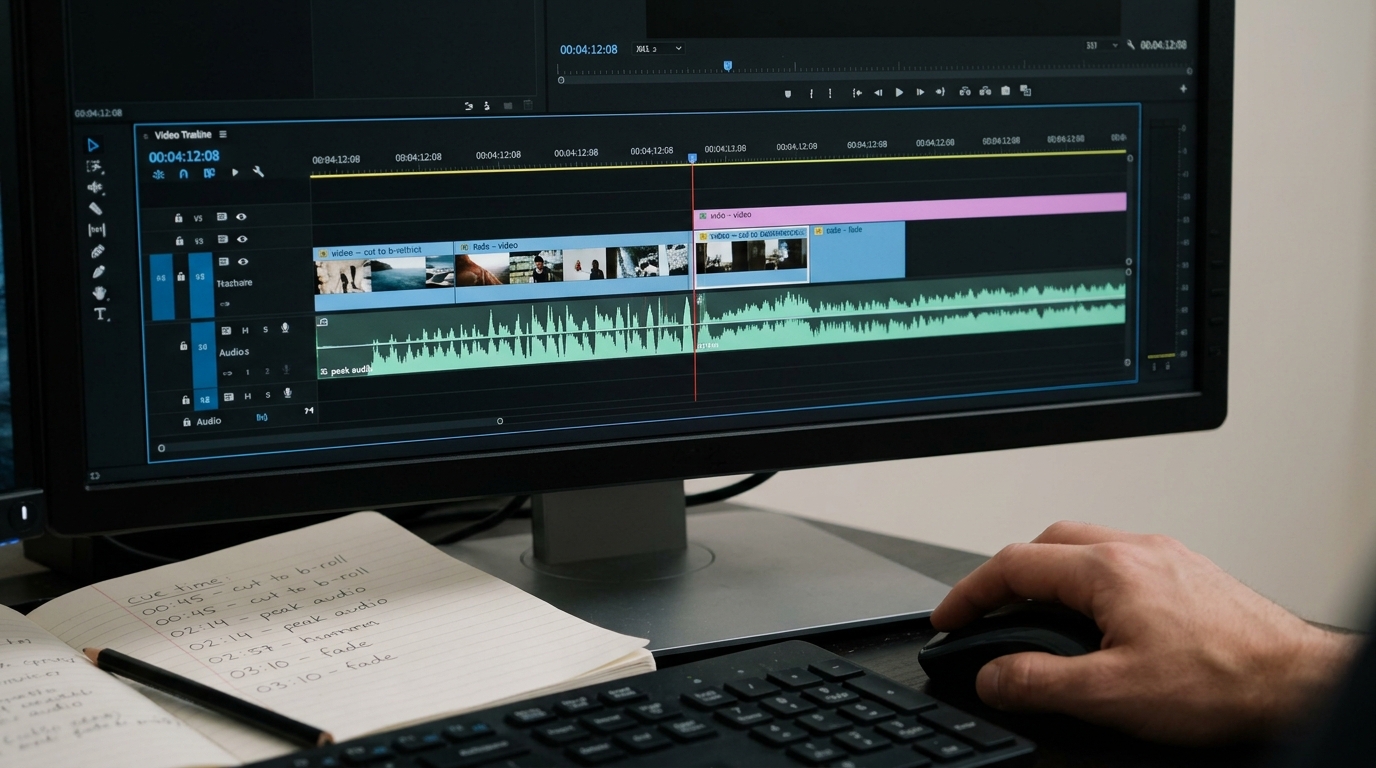
Mark three moments on your timeline
Play your locked picture edit without sound and place three markers. Do not think about genre or instrumentation yet. Think about what changes.
- Cue 1, the entry. The moment the audience should start feeling something, which is rarely frame one. Often it is the first time a character does something, or the first wide shot that establishes place.
- Cue 2, the turn. The point where the situation changes: a decision, an arrival, a discovery. This cue should sound different from cue 1 in at least one way, such as a new instrument, a shift in key, or a sudden drop in density.
- Cue 3, the exit. The last shot or two. It can be a resolution of cue 1 or a single held note, but it must end. Let it ring out over a few frames of black or a final static shot.
Between the cues, leave silence or room tone only. Those gaps are the point. They are what make the cues register as music and not as wallpaper.
Write the brief before you generate or search
Whether you generate music with a tool or pull from a licensed library, write one line per cue first. Keep it concrete.
```
CUE 1 (0:12 to 1:05): solo felt piano, slow, sparse, no percussion, mid-low register, 62 bpm
CUE 2 (1:41 to 2:30): same piano plus low sustained strings entering at 1:41, no drums, slightly louder
CUE 3 (2:52 to end): piano only, final chord held and left to decay, no reverb tail cut
```
Note that all three cues share one instrument. That is deliberate. A film scored with three unrelated tracks sounds like three films. Keep one anchor sound and vary what surrounds it. If you generate the cues, ask for the same instrument and tempo family each time, and generate several versions of each so you can choose by ear.
Cut picture to the music, not the other way round
Once the cues are on the timeline, nudge your picture cuts, not the music. AI clips usually have loose heads and tails, which gives you freedom to slide an edit point by six to twelve frames without anyone noticing.
1. Find the strongest transient in the cue, such as a chord change, a string entry or a struck note.
2. Move the nearest picture cut so it lands on that transient or two frames after it. Two frames late reads as natural. Early reads as a mistake.
3. Start each cue a beat before the shot it belongs to, so the music leads the picture in. Fade out cues quickly and on a cut, not over a shot.
4. Duck the music under any dialogue or key sound effect by 6 to 9 dB, and bring it back up slowly.
What you should see and hear
Before, the music is a constant layer and your cuts float against it. After, there are two or three stretches of near silence, each cue arrives with a visible change on screen, and at least a few of your edits land on a musical event. Play the film to someone without telling them what you did. They should not notice the plan, only that the film feels more deliberate and that the ending lands.
Try this next
Open your current cut, mute the music track entirely, and place three markers where something changes on screen. If you struggle to find three, your film may need a clearer structure before it needs a score.