How to caption an AI film for sound-off viewing without covering your picture
Most captions on AI films are auto-generated, badly broken and parked over the subject's face. Here is a one-sitting method for timing, breaking and placing captions so they help the picture.
You have a finished AI film with a good dialogue track, and then you remember that a large share of people will watch it with the sound off on a phone, on a train, in a queue. You drop in auto-generated captions, accept the default style, and publish. The result is white text in a thin font, sitting across the lower third, breaking mid-phrase, flashing up a line before the character has opened their mouth.
AI footage makes this worse than live action in two ways. Generated faces and hands often carry the most detail near the centre and lower middle of frame, which is exactly where default captions land. And AI dialogue is often placed in the edit against lip movement that is only approximately matched, so captions that are late or early by a few frames expose the mismatch. Captions are a craft step with its own pass, and it takes about an hour on a two-minute film.
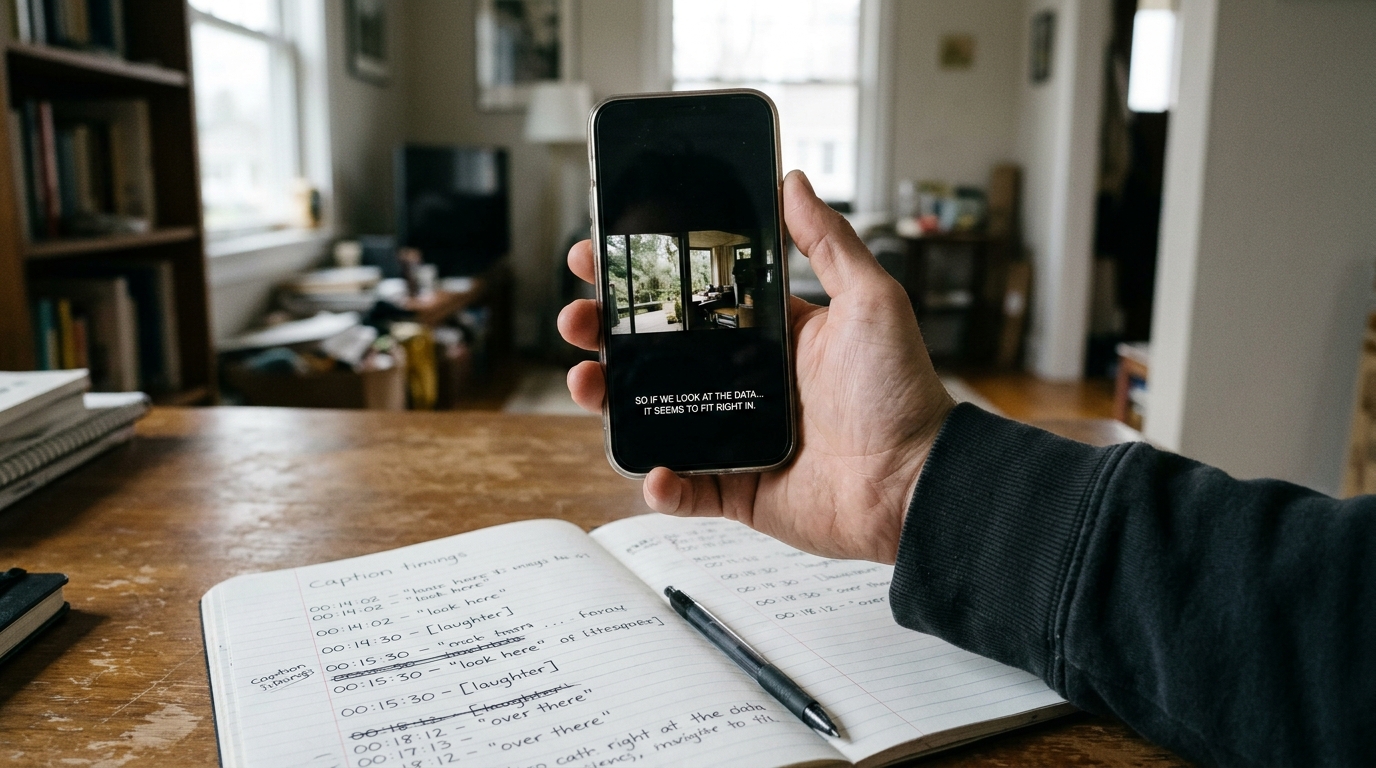
Fix the text before you style it
Auto-captions are a draft. Export the transcript, then correct it by hand against your script, because speech-to-text will mangle invented names, place names and any stylised line reading. Then break the lines yourself.
The rule is one idea per caption, two lines at most, and never split a phrase that belongs together. Break after punctuation, or before a conjunction. Keep each line under roughly 32 characters so it fits a vertical frame without shrinking.
```
Bad: I told you not to / go near the lighthouse after dark
Good: I told you not to go near
the lighthouse after dark
Better: I told you
not to go near the lighthouse.
```
If a line runs too long for a single caption, cut it into two timed captions at the natural breath, not at the character limit.
Time them to the sound, not the mouth
Set the caption in point on the first audible consonant of the line, not on the first frame of lip movement. Set the out point on the last audible syllable plus about six frames, so the eye can finish reading. Leave a minimum of one second on screen for short lines, and never hold a caption through a cut to a new speaker.
If your lip movement drifts from the audio, this is where you find out. Do not move the captions to match the mouth. Move them to match the audio, and fix the picture by cutting to a reaction shot or an insert for that line.
Place them against the picture
Before you commit to a position, scrub through the film and note where the subject's face and hands sit in each shot. Then set three caption positions in your edit:
```
Default: lower third, 12 percent up from the bottom edge
High: upper third, for shots with a face or hands low in frame
Centre: only for title cards and single-word beats
```
For vertical 9:16 delivery, keep captions out of the bottom 20 percent, where platform interface elements sit, and out of the right-hand edge. Use a solid or semi-opaque box behind the text only if the footage is too busy to read against. Otherwise use white text with a thin dark outline at a size you can read on a phone held at arm's length.
What you should see
Play the film once with sound off, on your phone, and once with sound on. Before the pass, captions cut across faces, split phrases awkwardly and arrive slightly ahead of or behind the voice. After it, the text sits clear of the subject, each caption reads as one thought, and the dialogue feels tighter because the words land on the sound.
Try next
Take your current film, export the transcript, and correct only the line breaks on the first thirty seconds. Watch it muted on your phone and see whether you ever needed the sound to follow the scene.